
Starter
To start creating with your persona.
Loading the prices
Create an AI influencer or your Digital Double. Mention them by their @ in images and videos with sound, make them talk, change the setting and finish the MP4 in the Studio, all without switching tools.
An AI influencer or your Digital Double. Images, video, voice and editing in one place.
Who appears
Every piece of content starts with who appears in it. In Miraggen, that person is a character you create from scratch or the digital version of someone real: you.
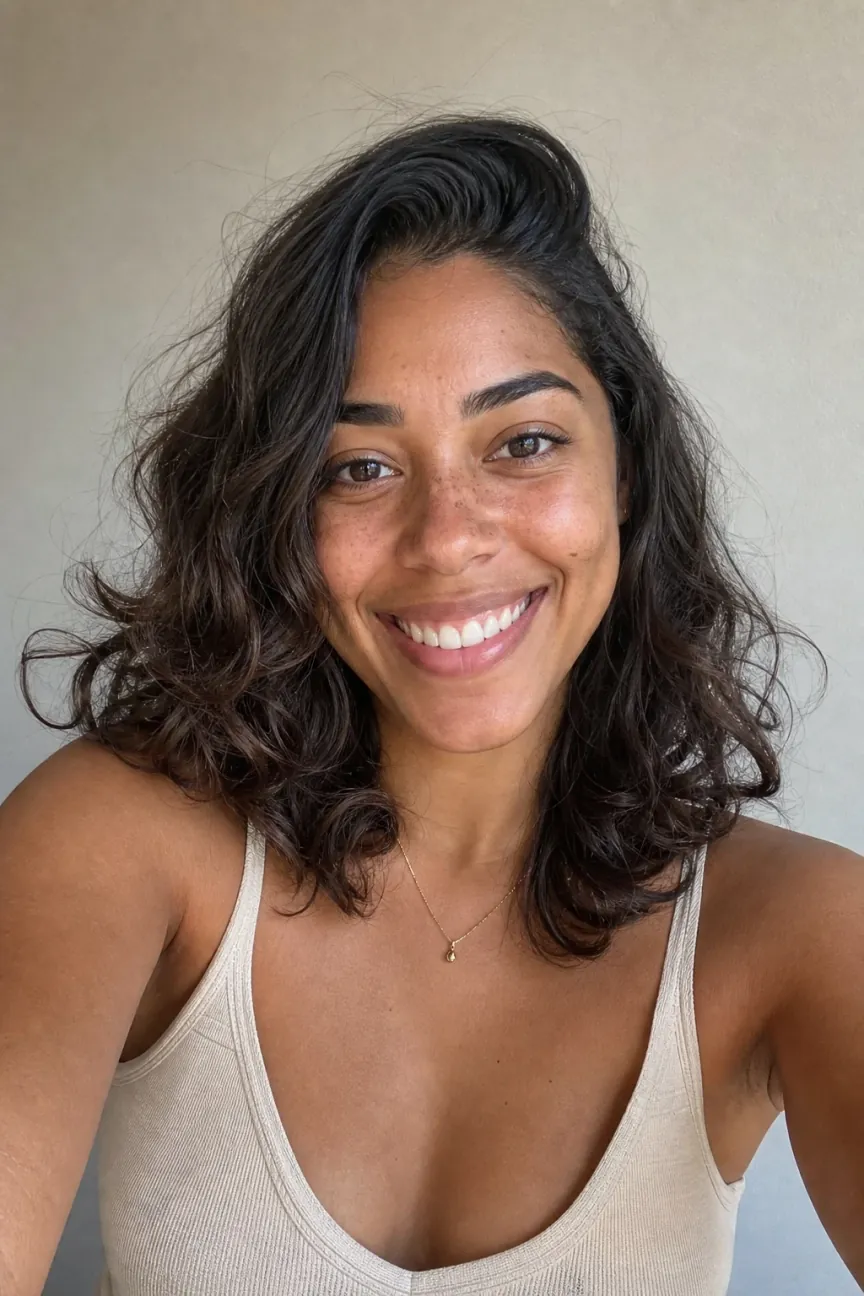
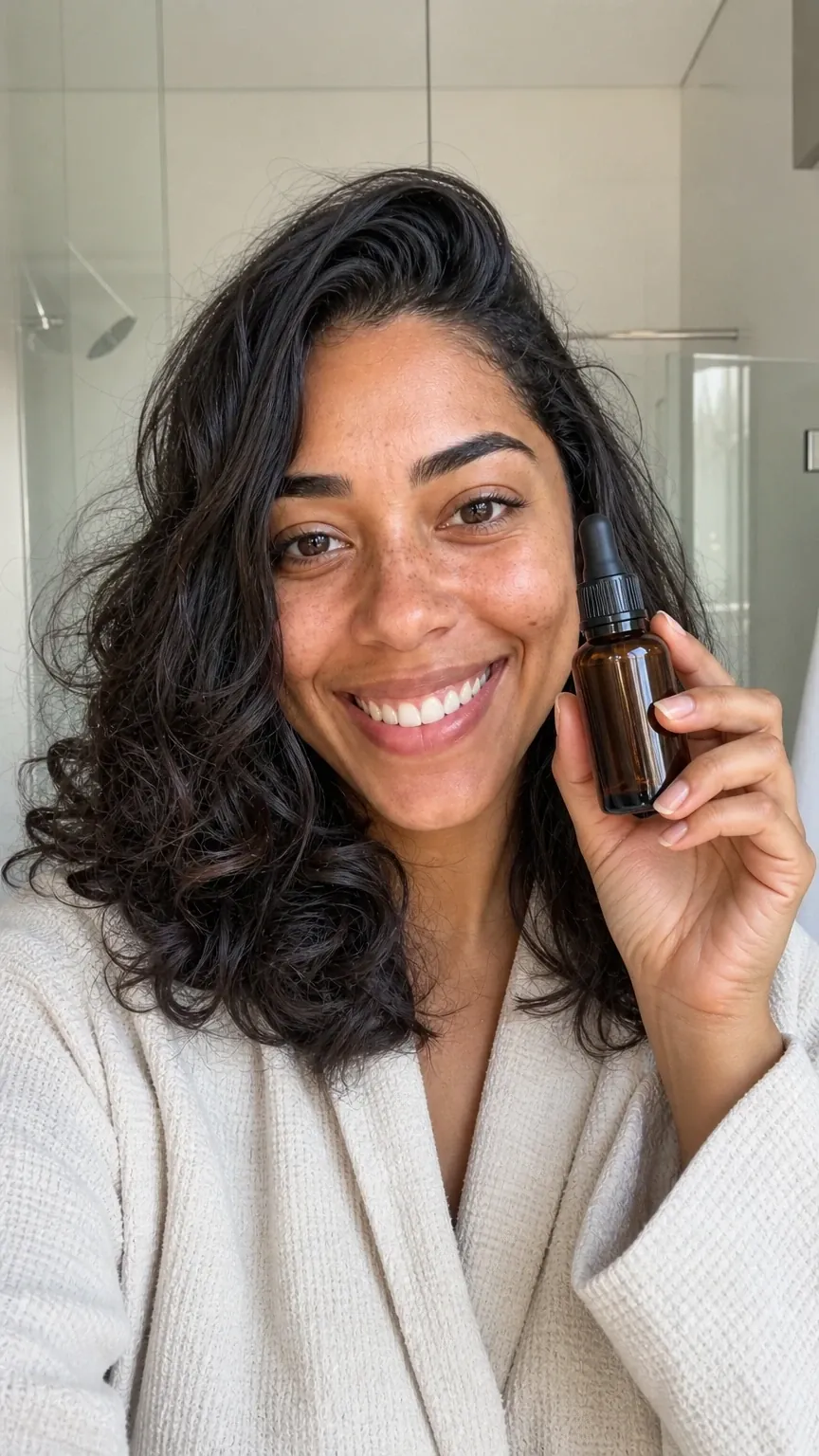
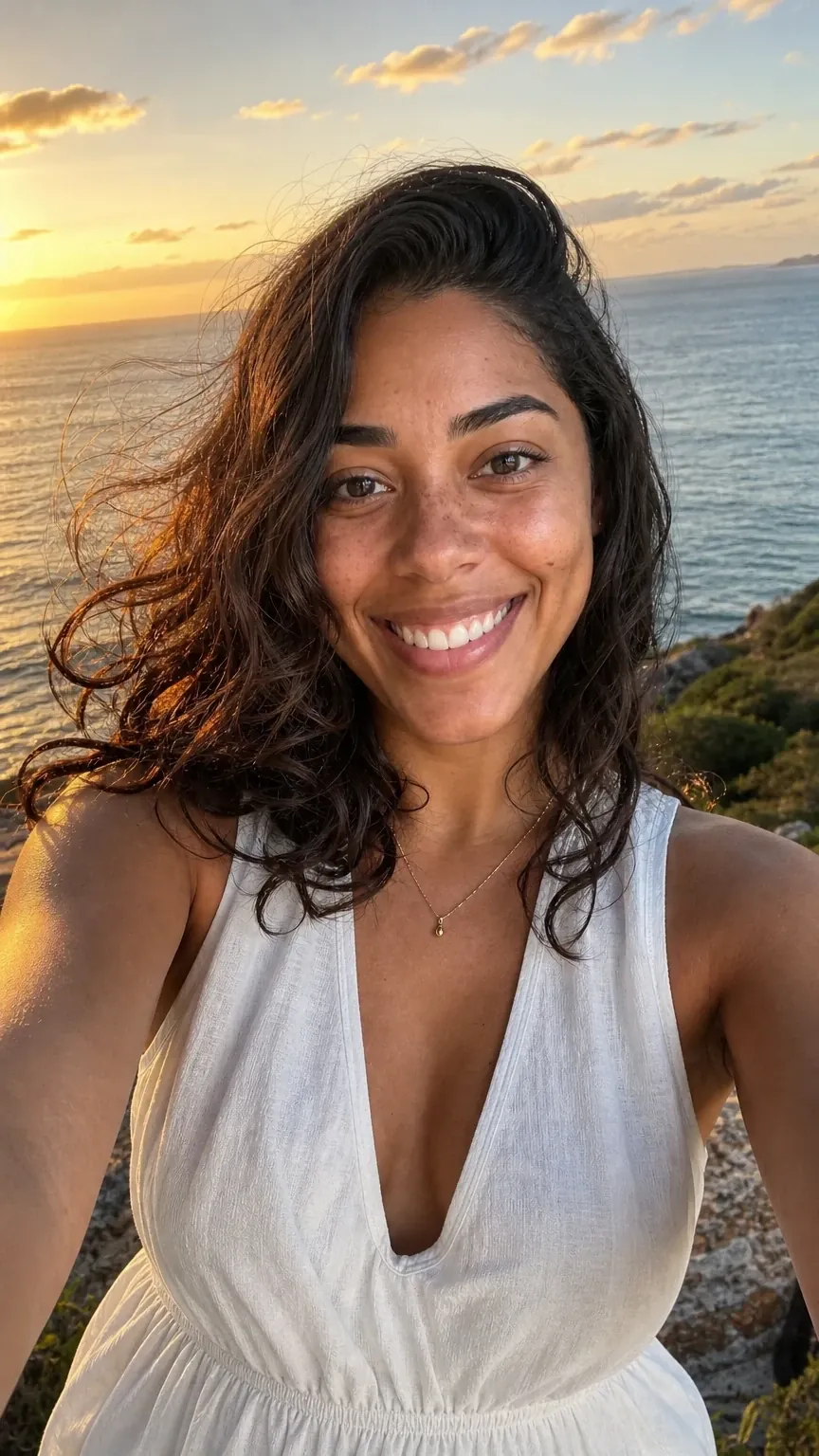
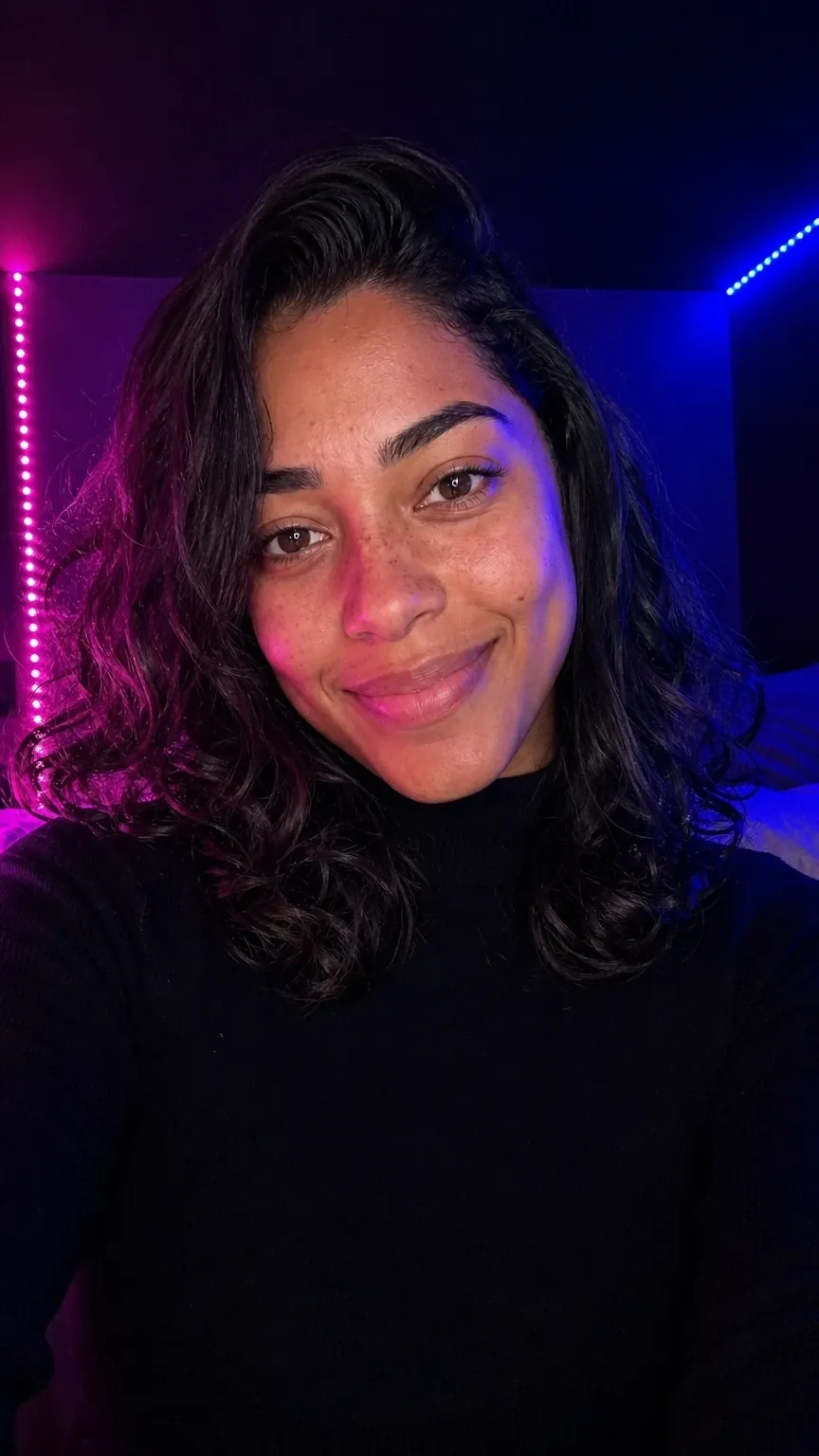 AI InfluencerFictionalA character you createDescribe the look, choose the face, approve the body and keep a voice. She exists only in Miraggen.Meet Nina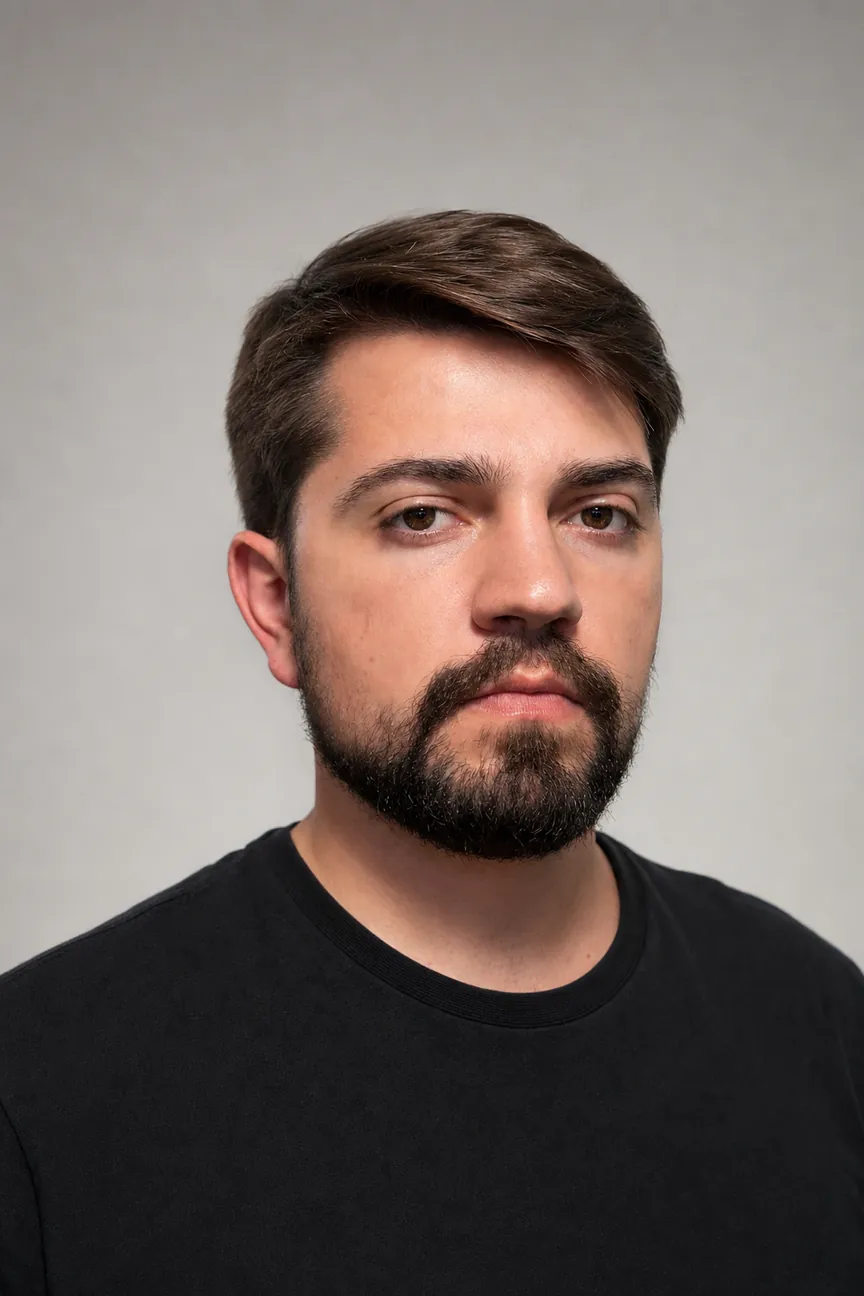
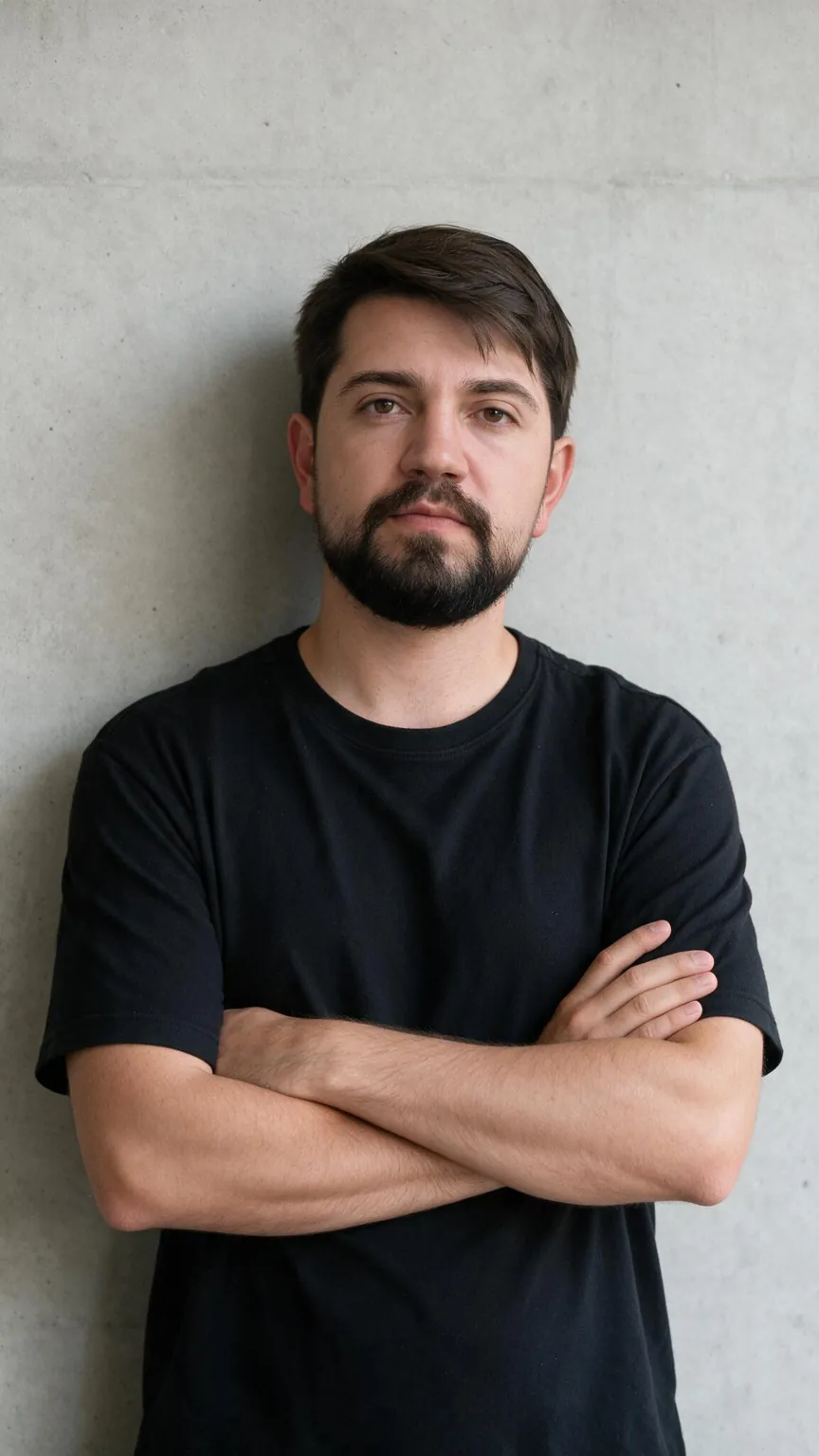
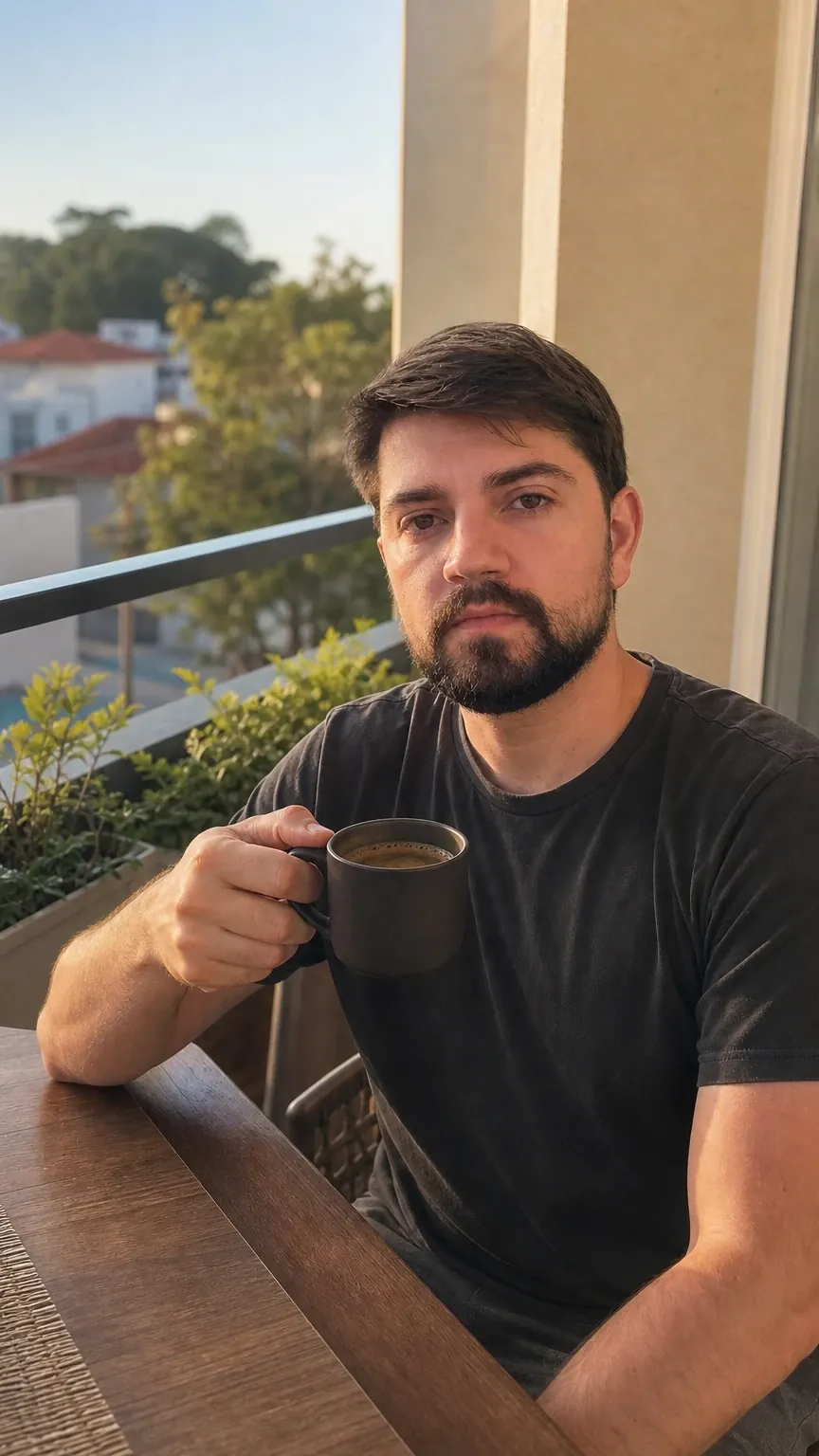
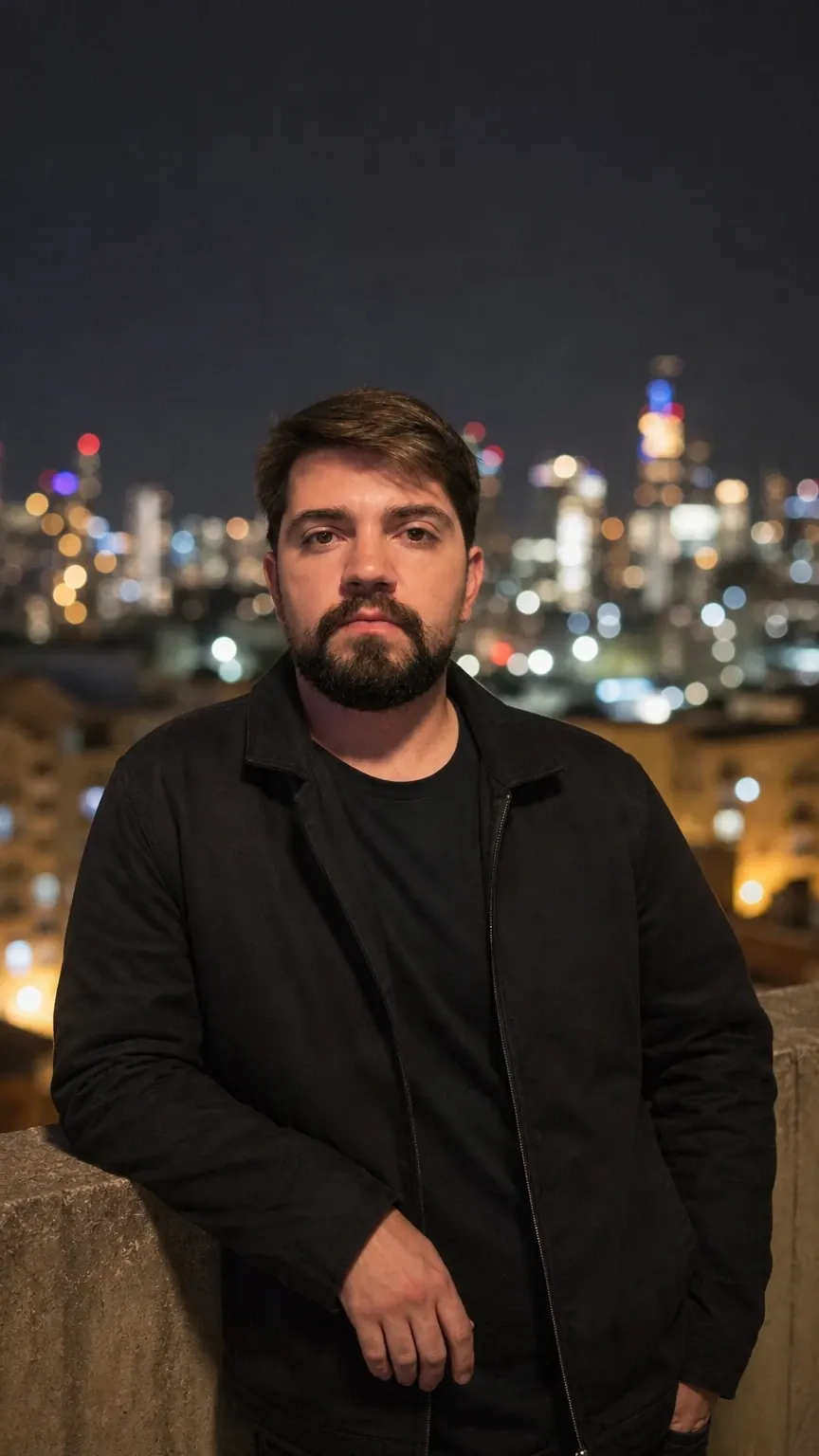 Digital DoubleReal person, with a declarationThe digital version of a real personA guided capture records face, body, motion and voice. After that, it's you in the scene, no set required.See Junior's Double
Either way, you get an @ to mention in images, videos, speech and edits.
AI Influencer
Describe the look in your own words and pick one of three faces of a fictional person. She gets a full body, a voice made just for her and an @ to mention her in your prompts.
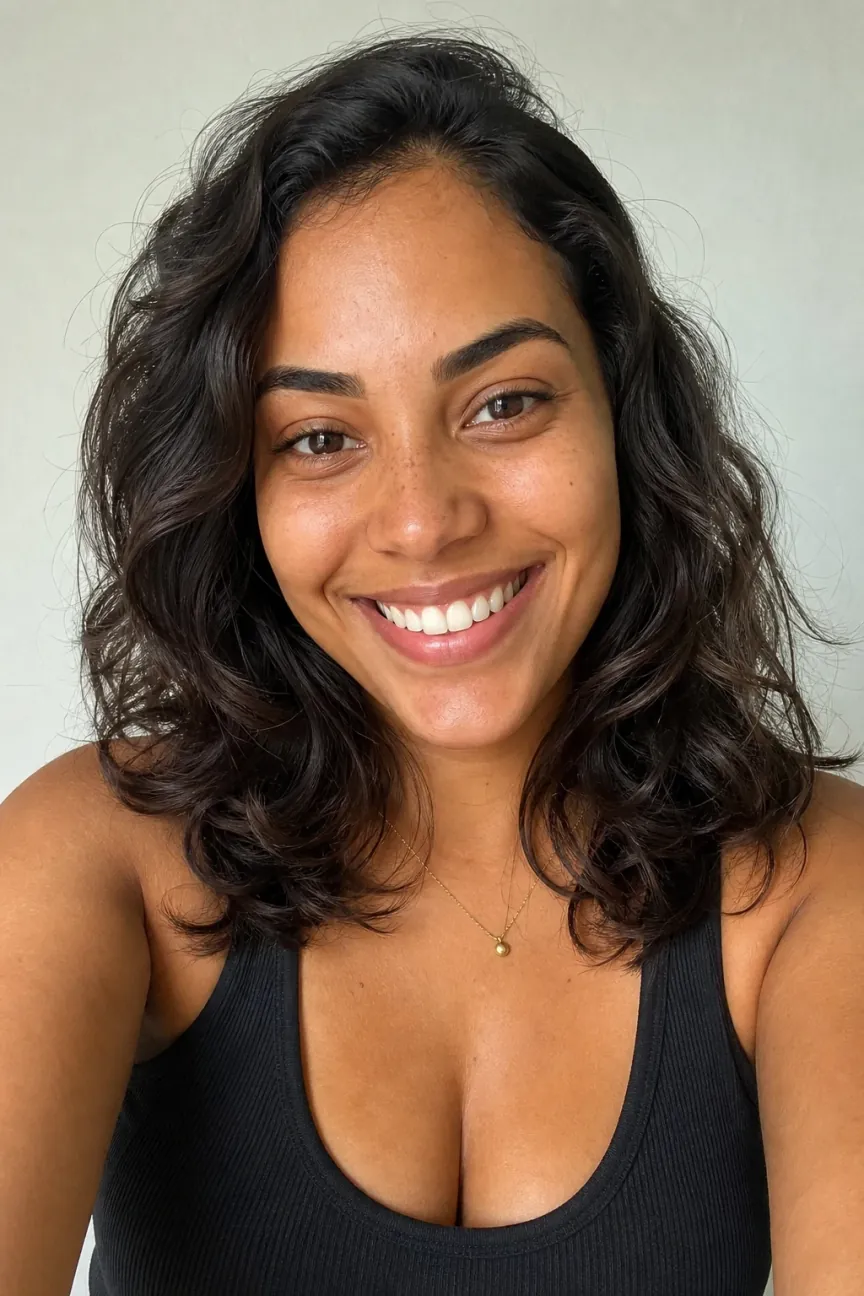 Face AFace BUse this face
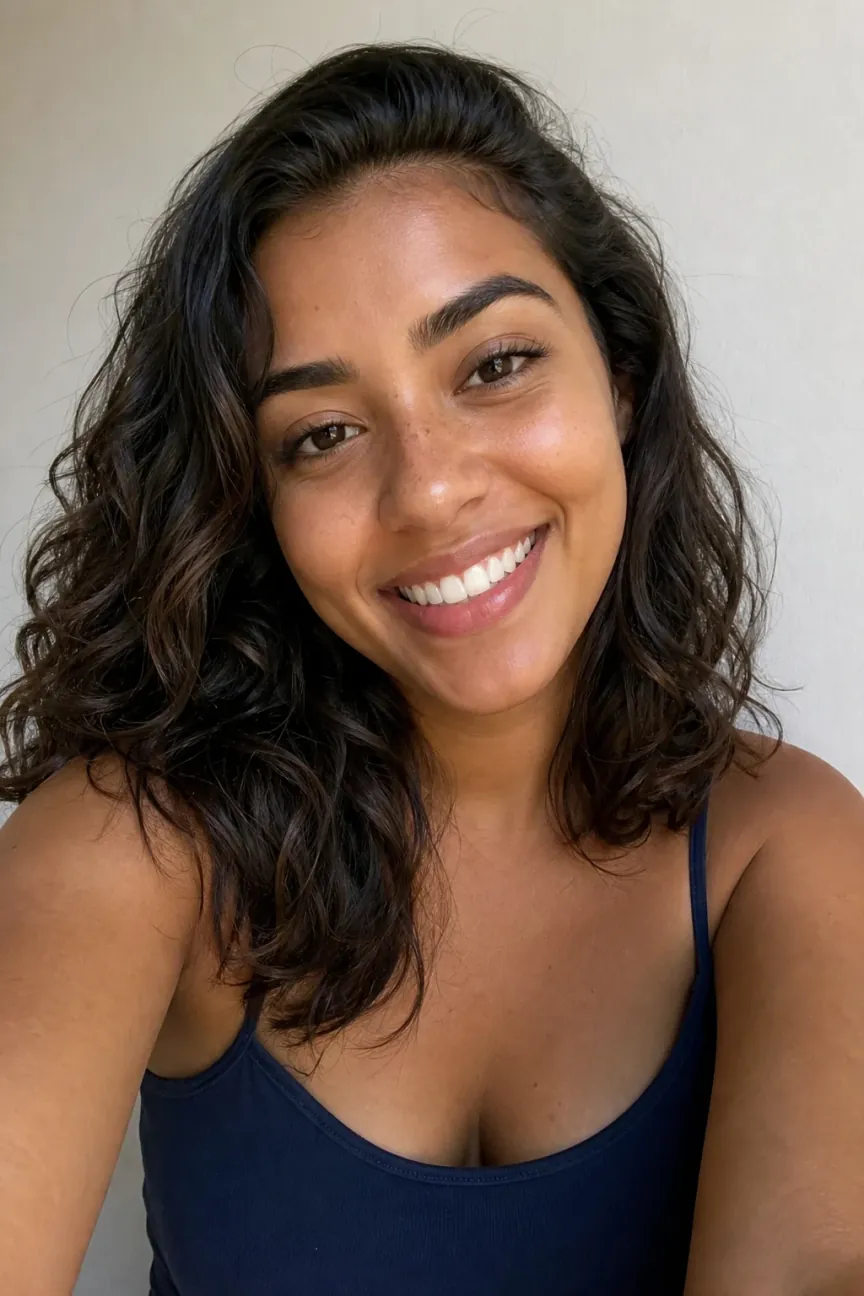 Face C
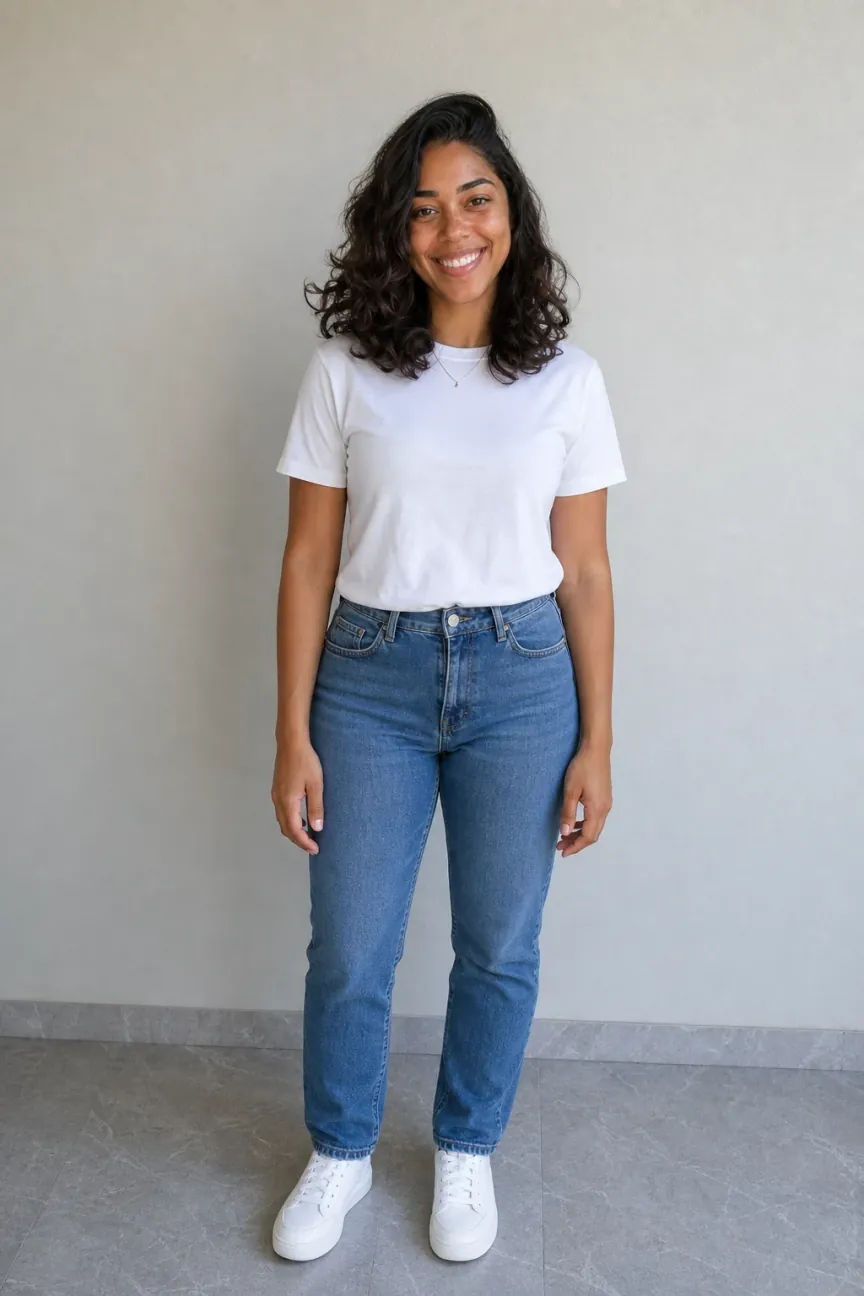 Use this body
Memorable characters
Create characters with exaggerated features and the look of real people: the nose, the ears, the hair, the attitude. Miraggen keeps the look and repeats it in every scene: they dance, talk and step into any video.
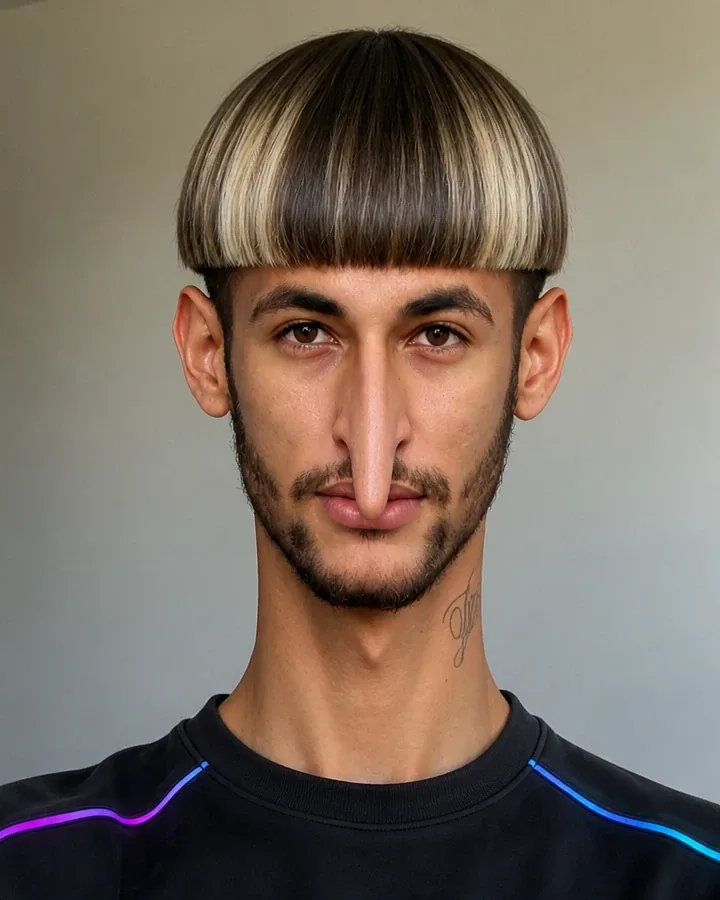 Neimadilson@neimadilson
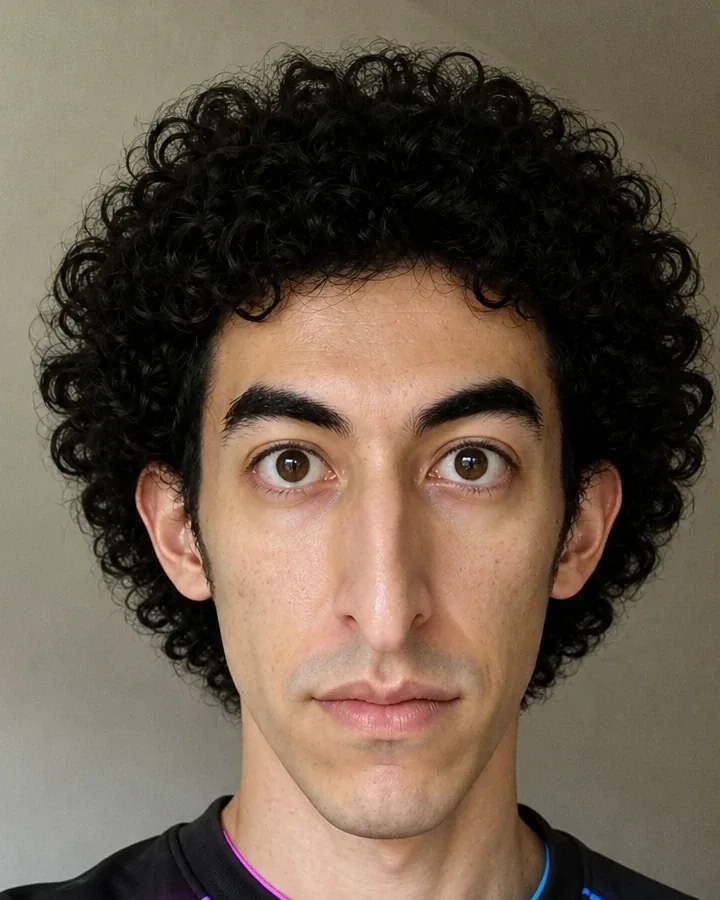 Ussop@ussop
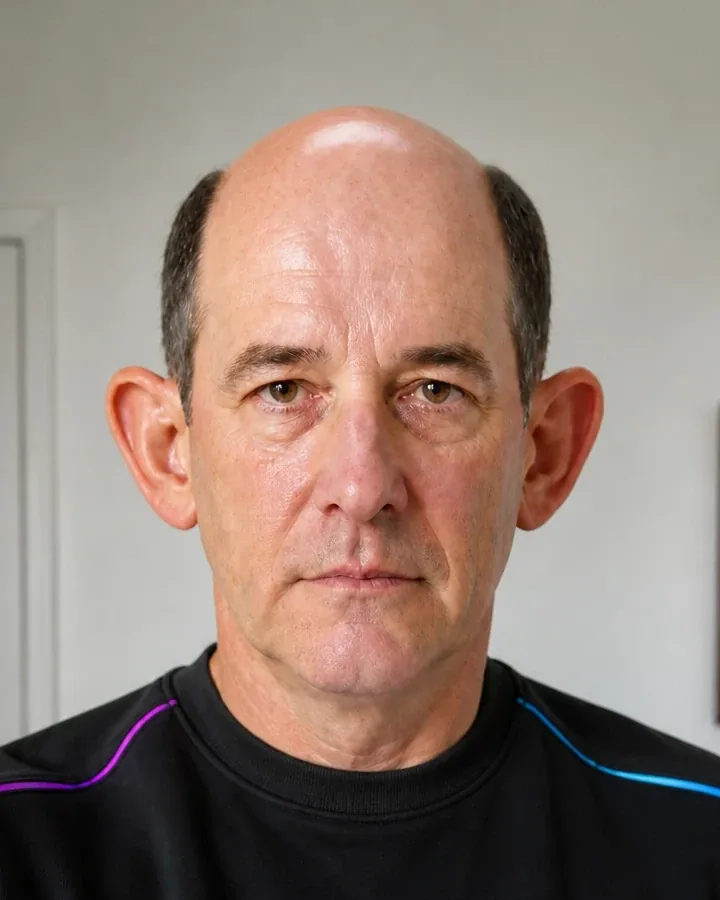 João Zoreia@joao
The scenes
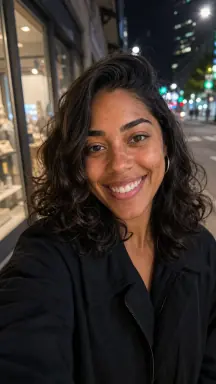
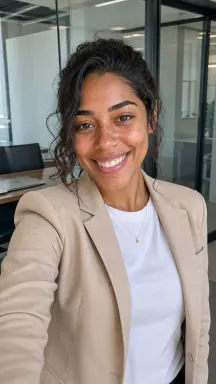
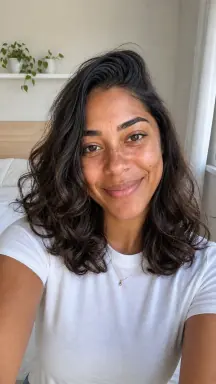
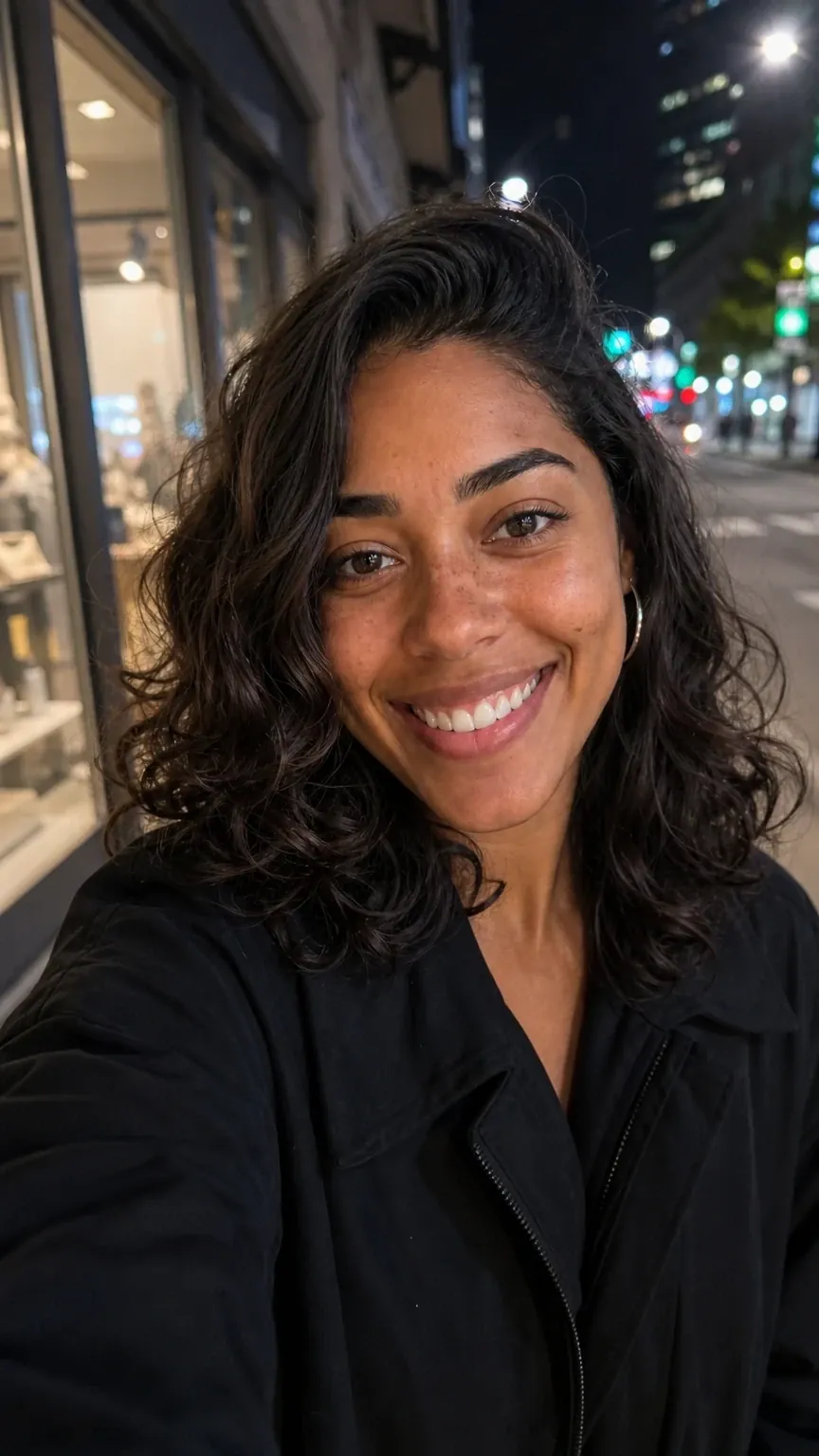
Mention @nina and describe the outfit, the setting and the light. Miraggen uses her reference photos with every request, and each click gives you 1 to 4 images.
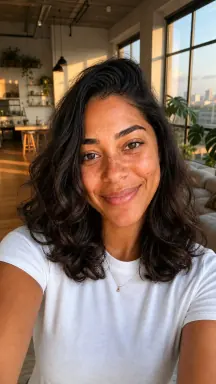
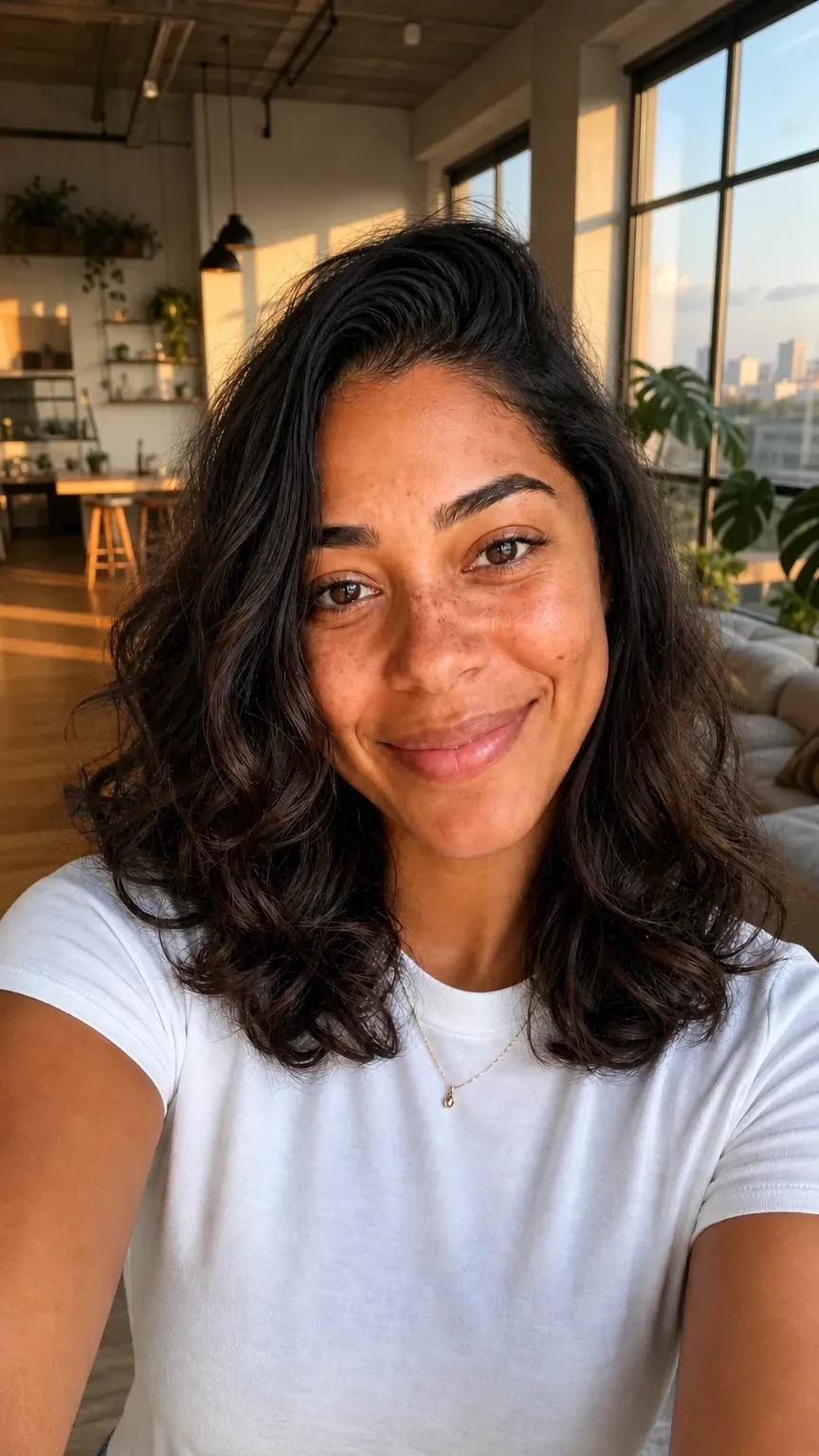
@nina filming a story in her bedroom, window light, white T-shirt
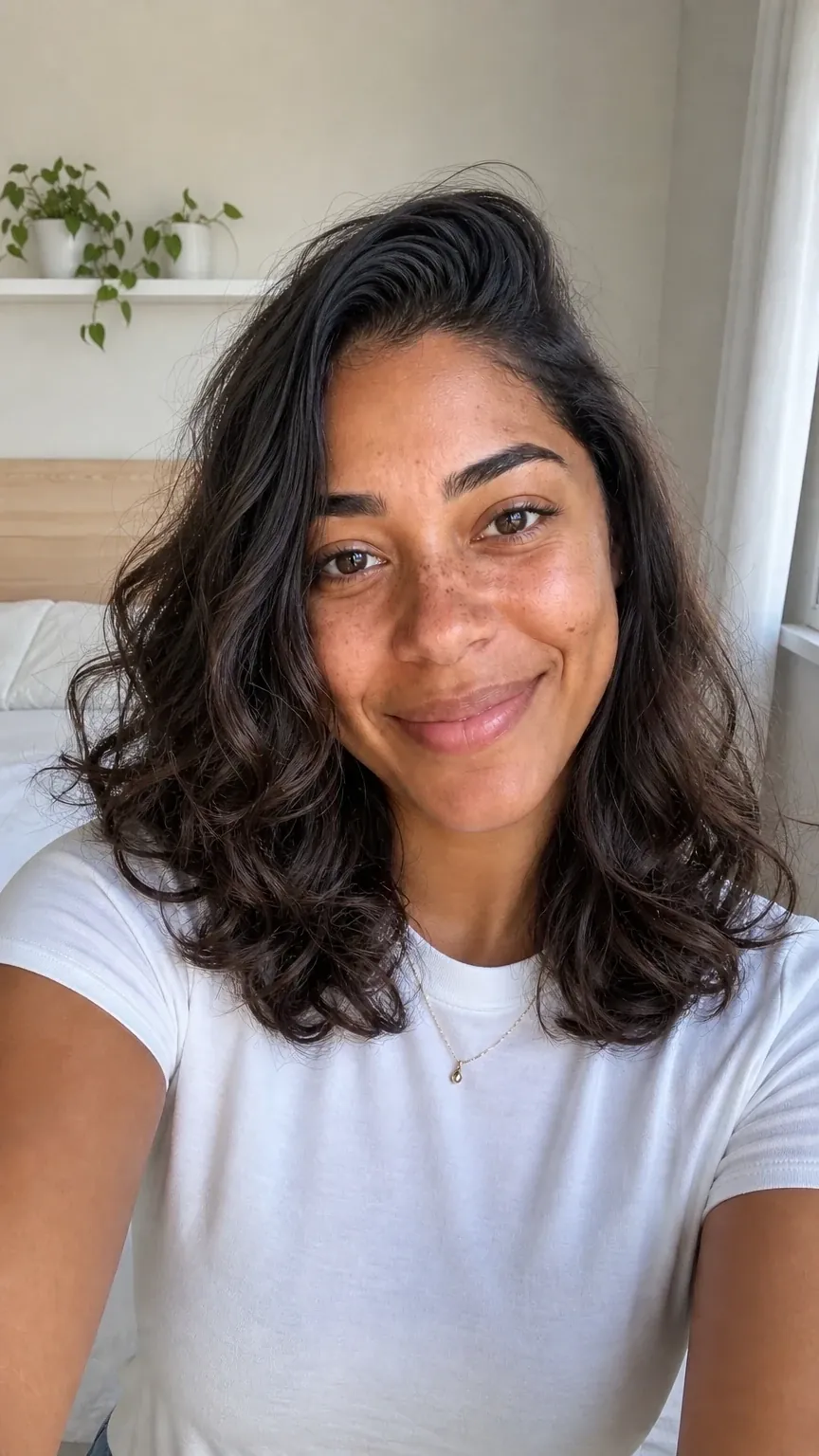
@nina filming a story in her bedroom, window light, white T-shirt
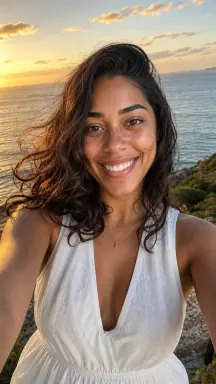
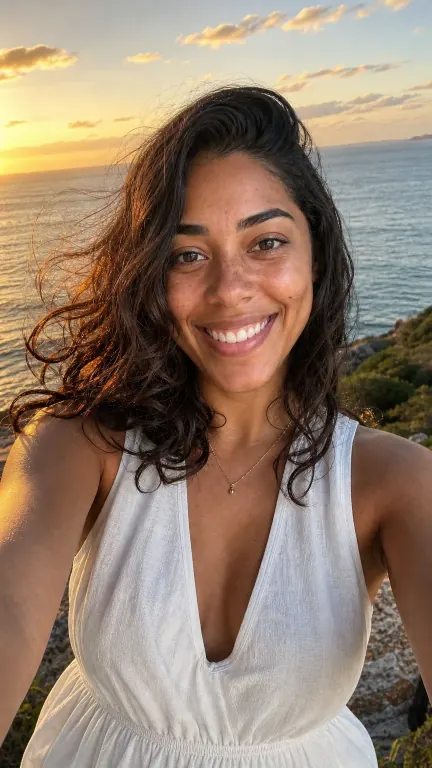
@nina at an ocean overlook at sunset, wind in her hair
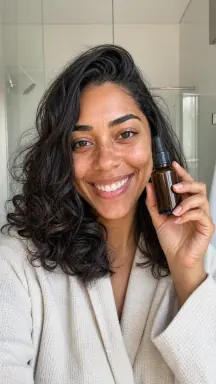
@nina showing a serum to the camera, bright bathroom, morning light
@nina on a São Paulo street at night, dark jacket, city lights
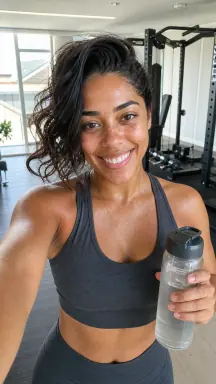
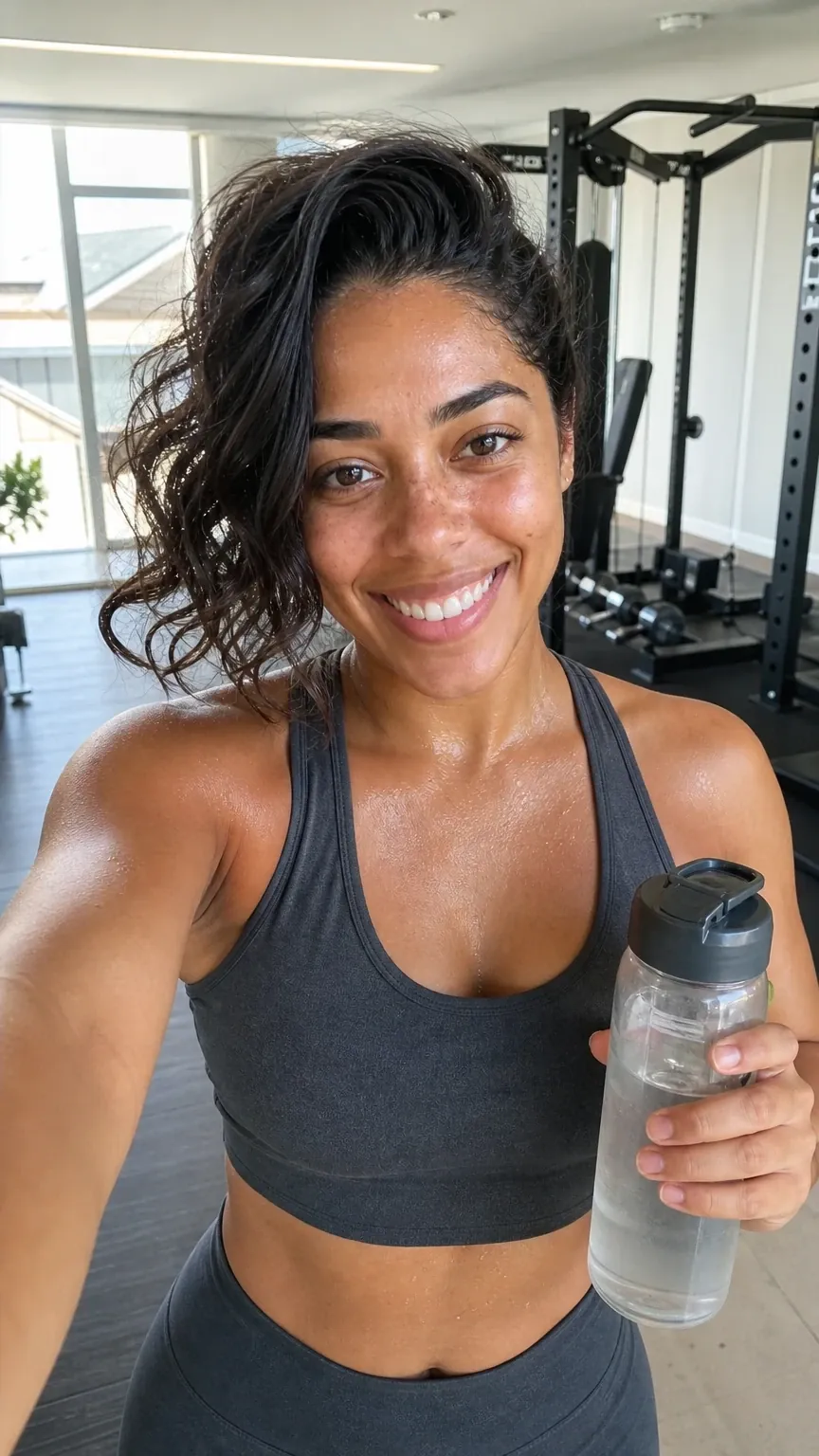
@nina after a workout in a bright gym, graphite activewear
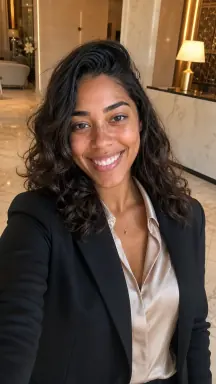
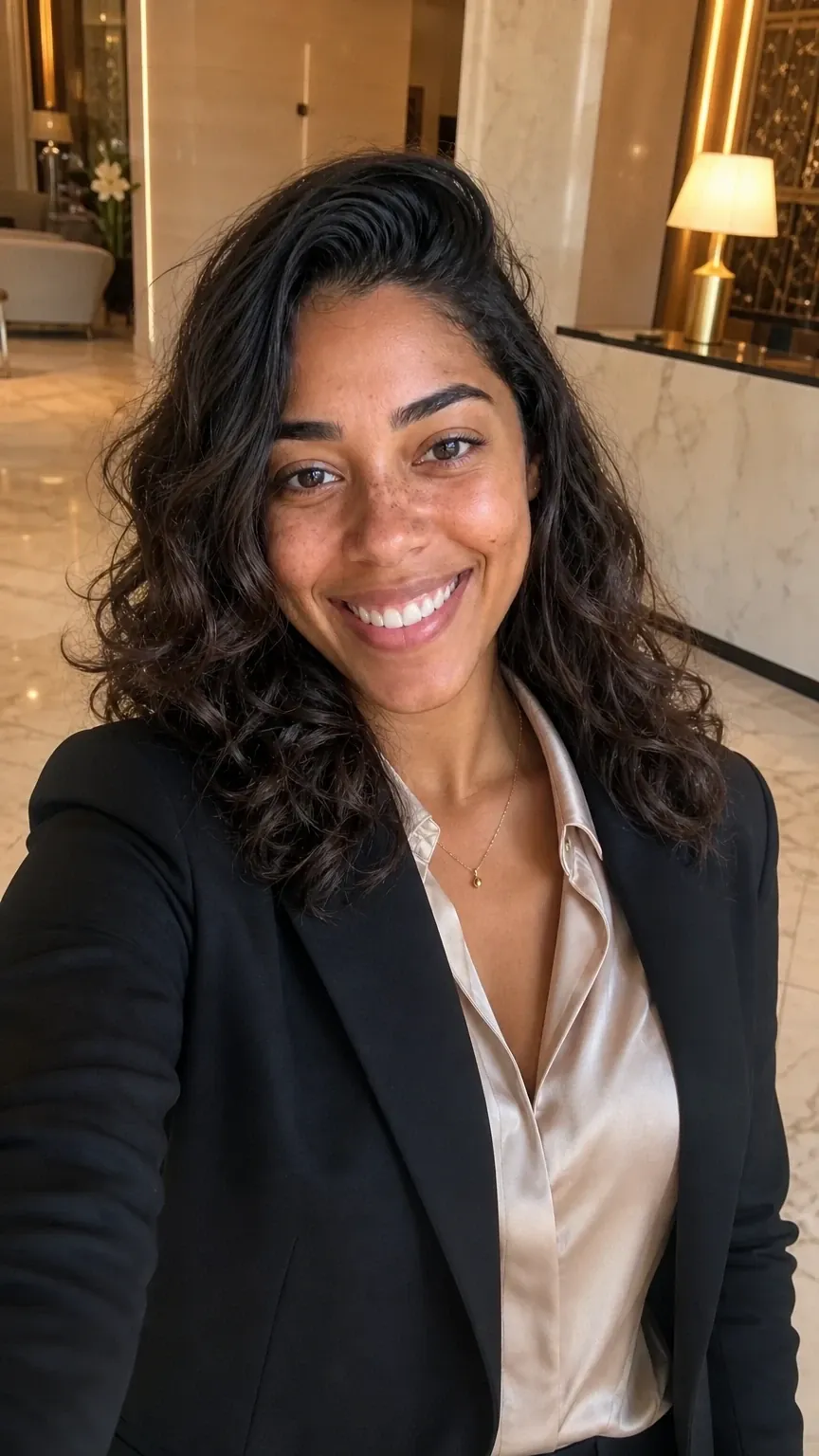
@nina in a marble hotel lobby, black blazer and silk shirt
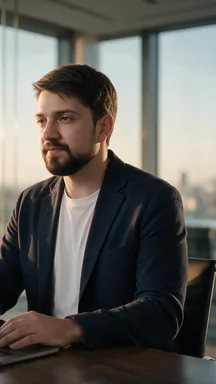
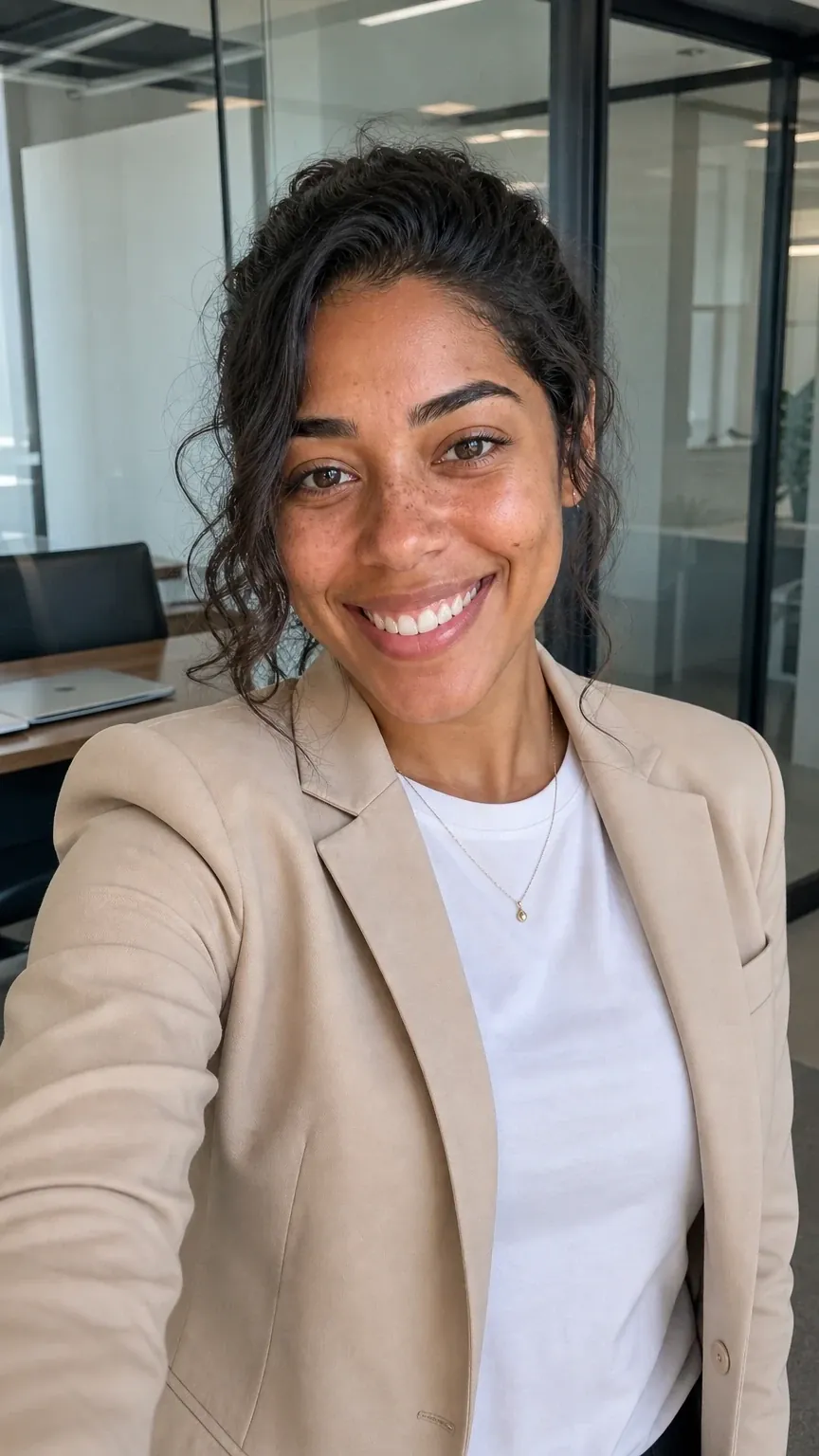
@nina in a glass office, beige blazer, daylight
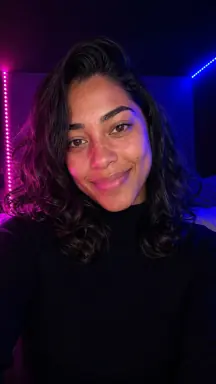
@nina in a dark room with magenta and blue LED light
Digital Double
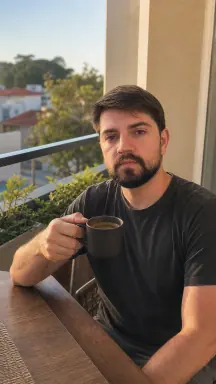
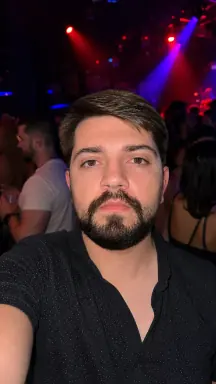
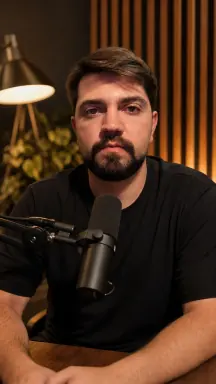
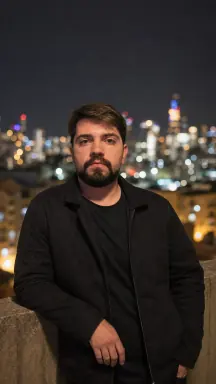
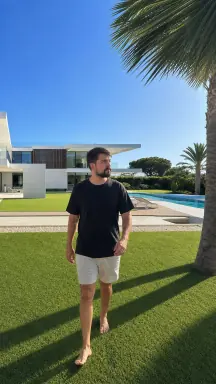
The Digital Double is the digital version of a real person: you, or someone who authorized you. A guided capture records face, body, motion and voice, and then you just mention your double by its @ to create images and videos with you in the scene.
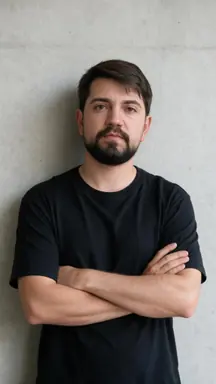
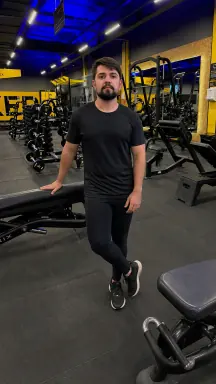
All of them were generated in Miraggen with Junior's Digital Double, from text prompts. He is a real person and appears here with his authorization.
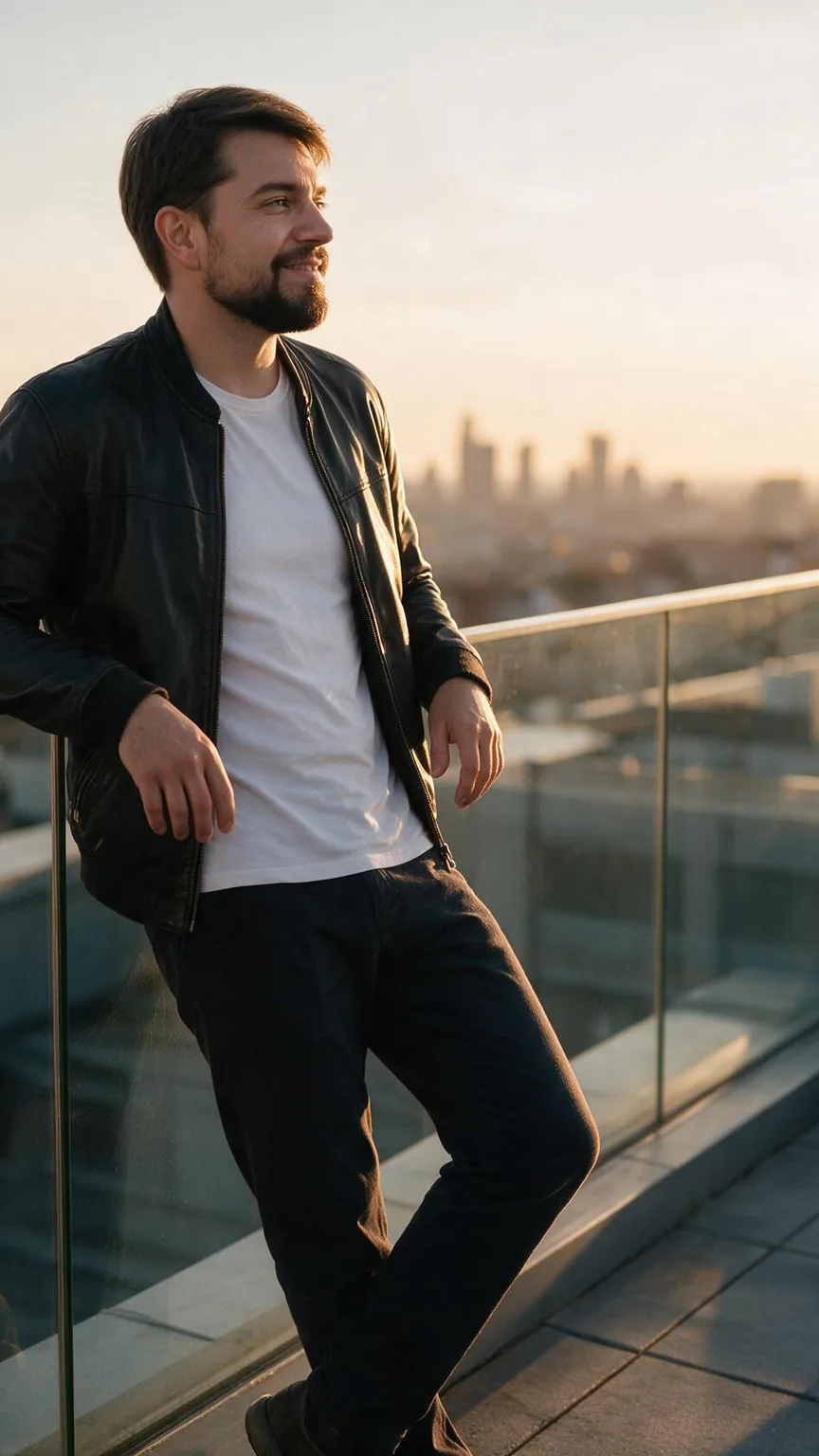
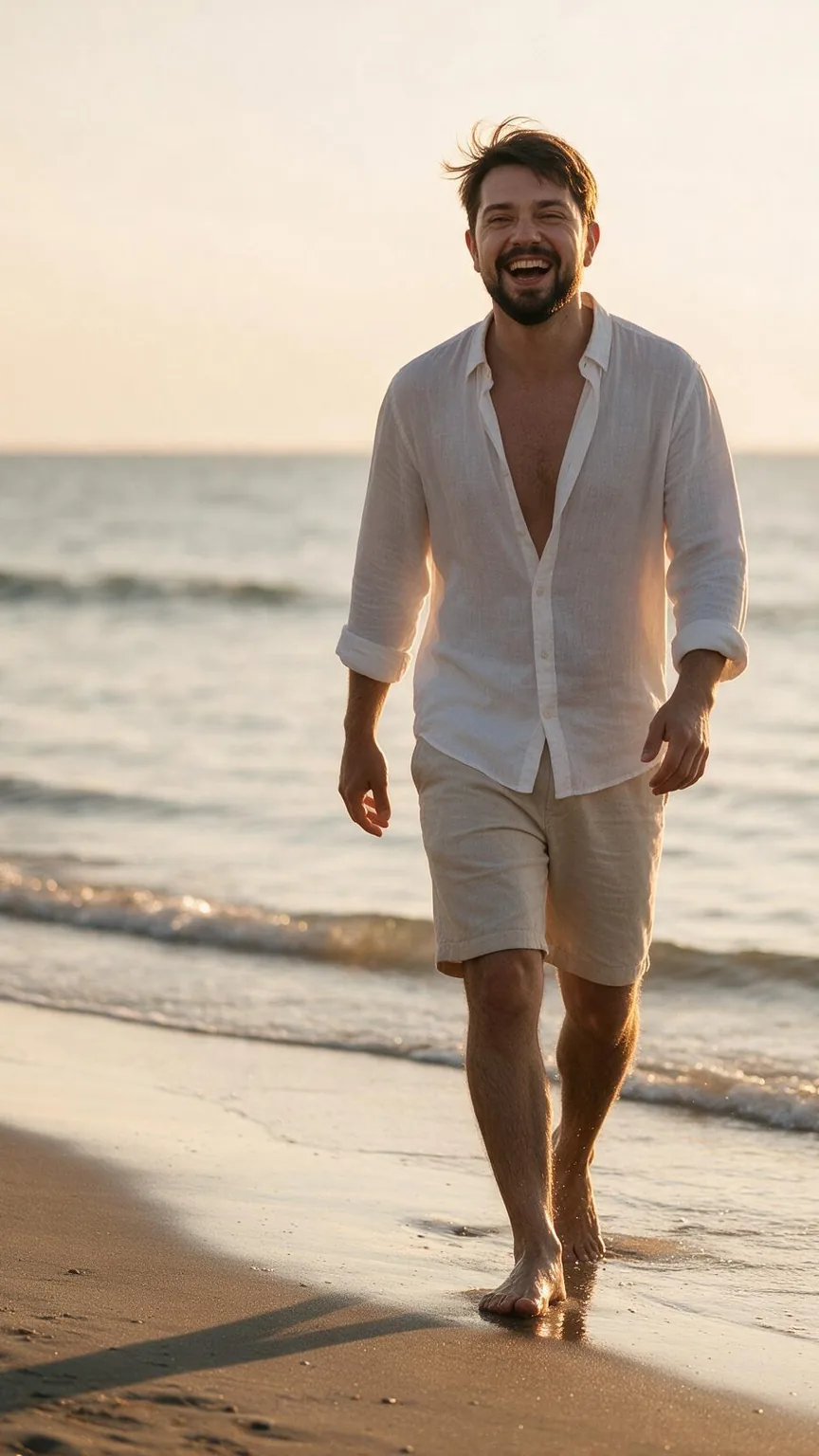
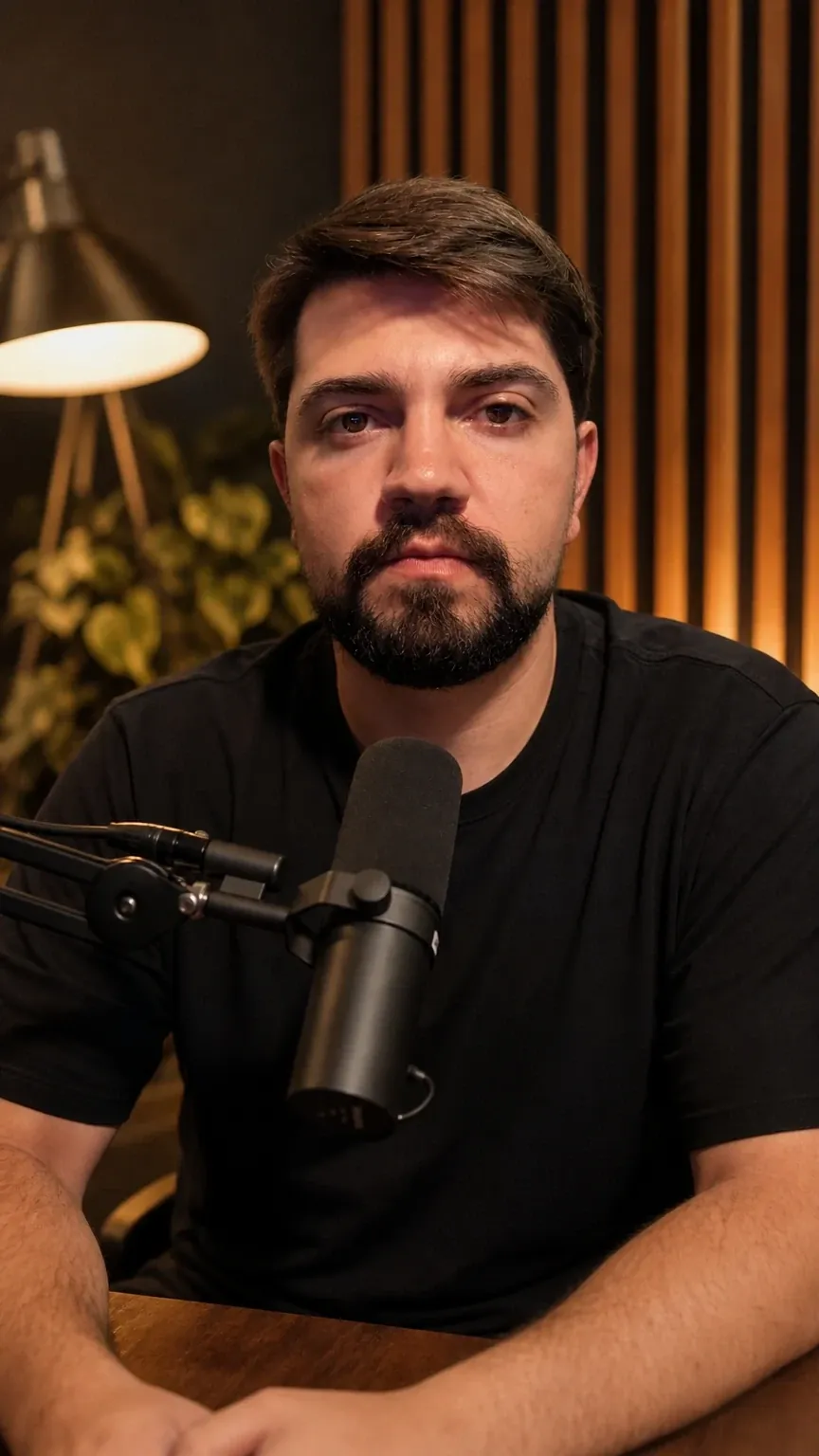
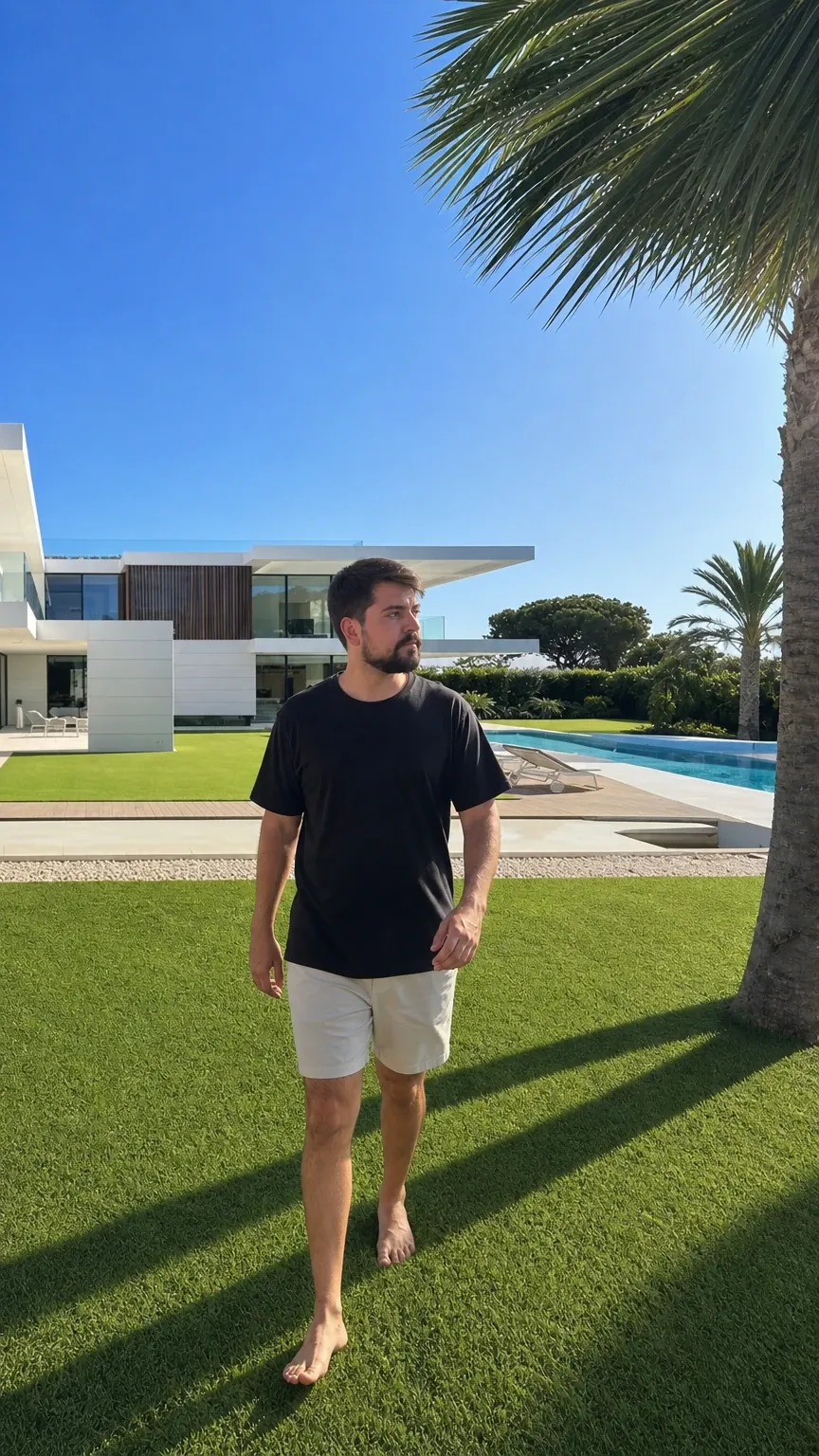
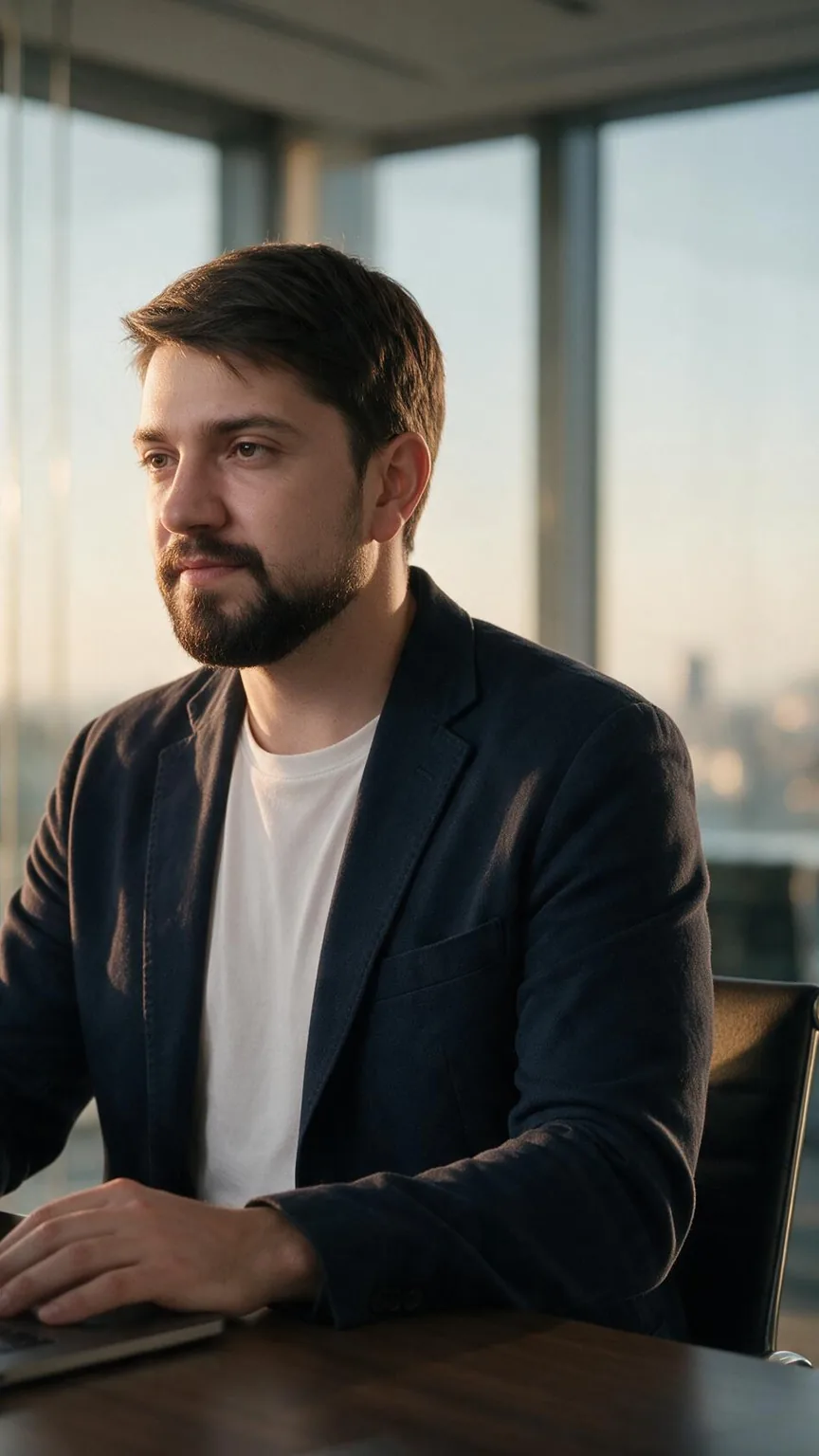
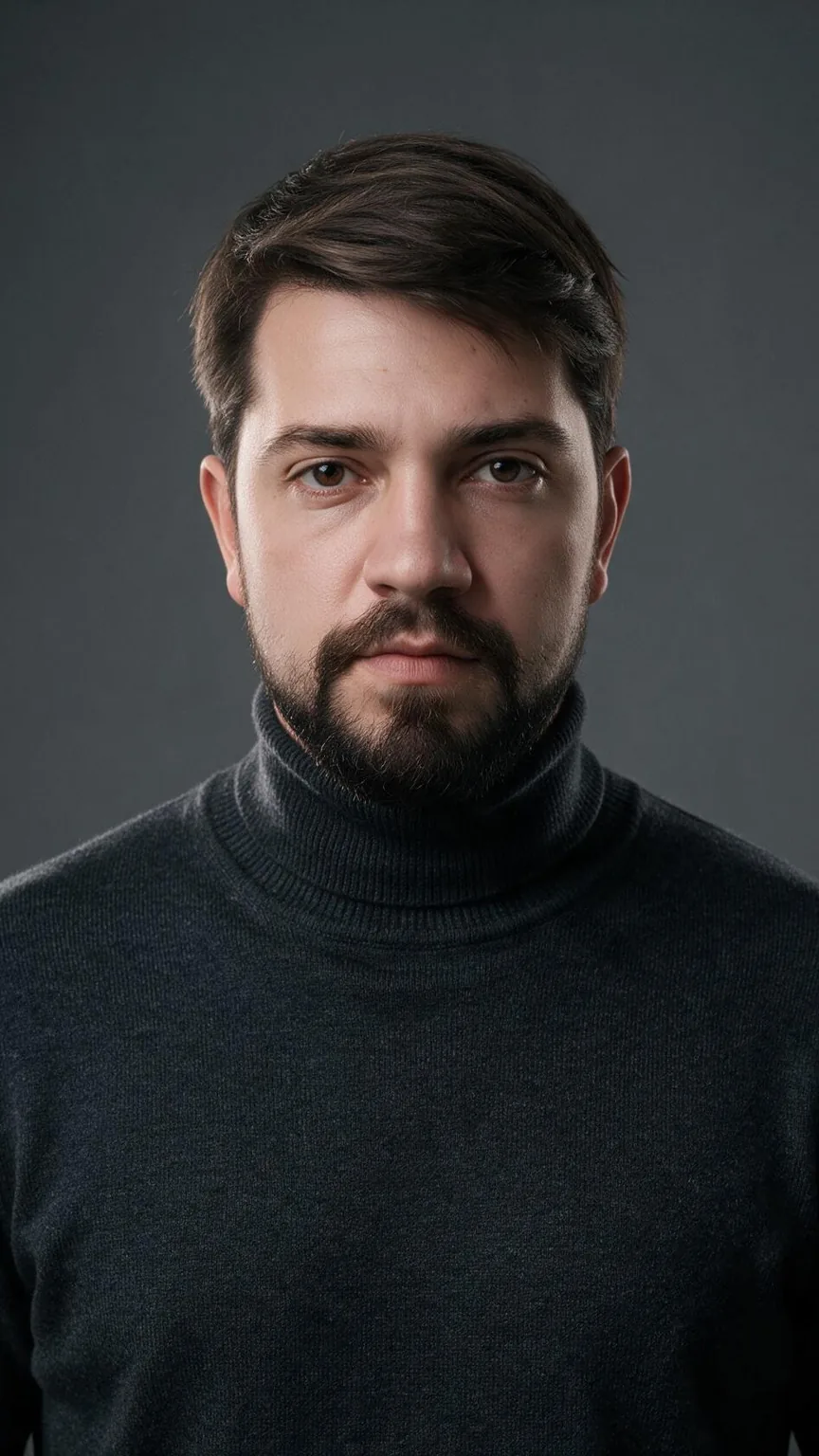
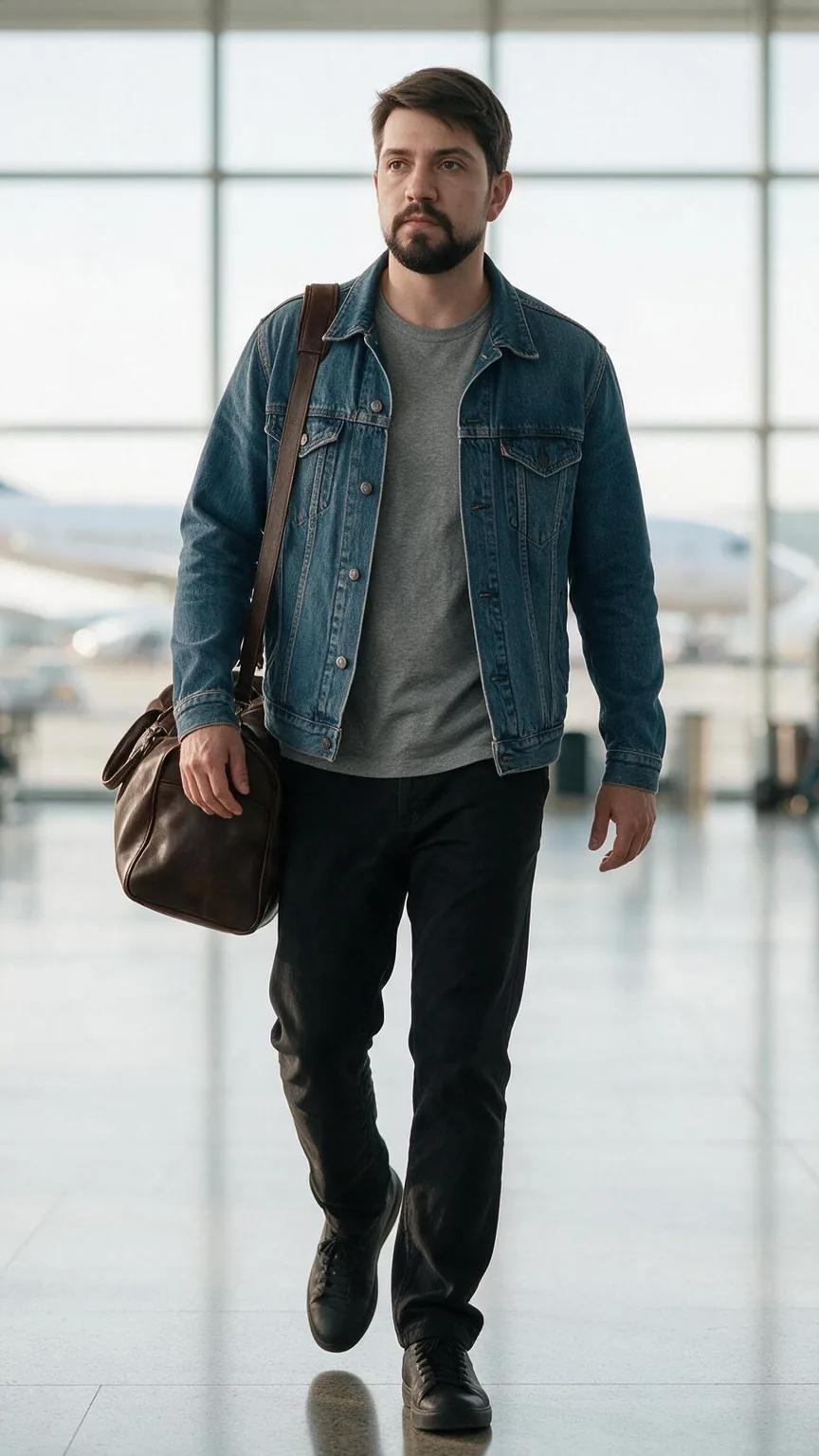
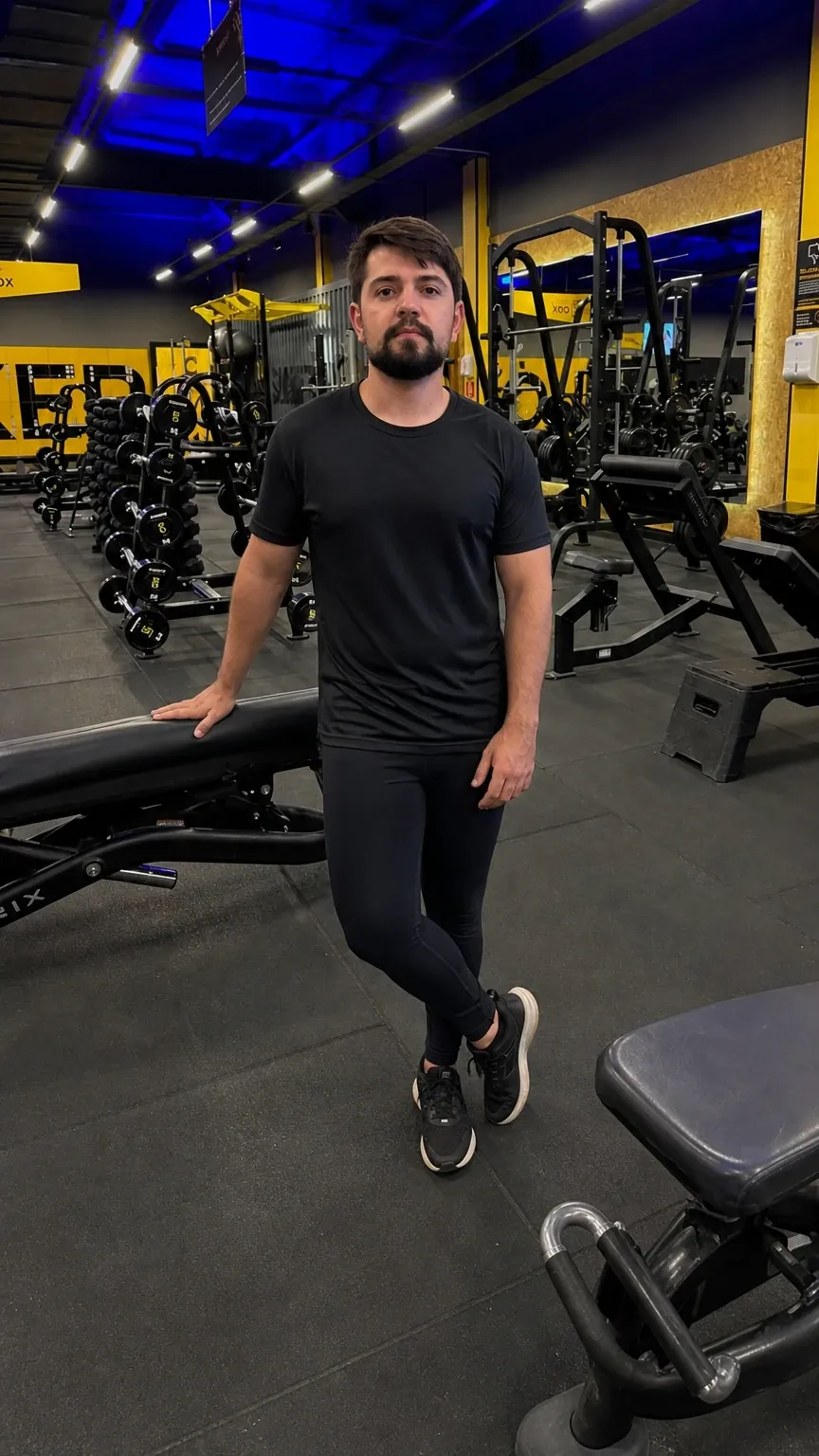
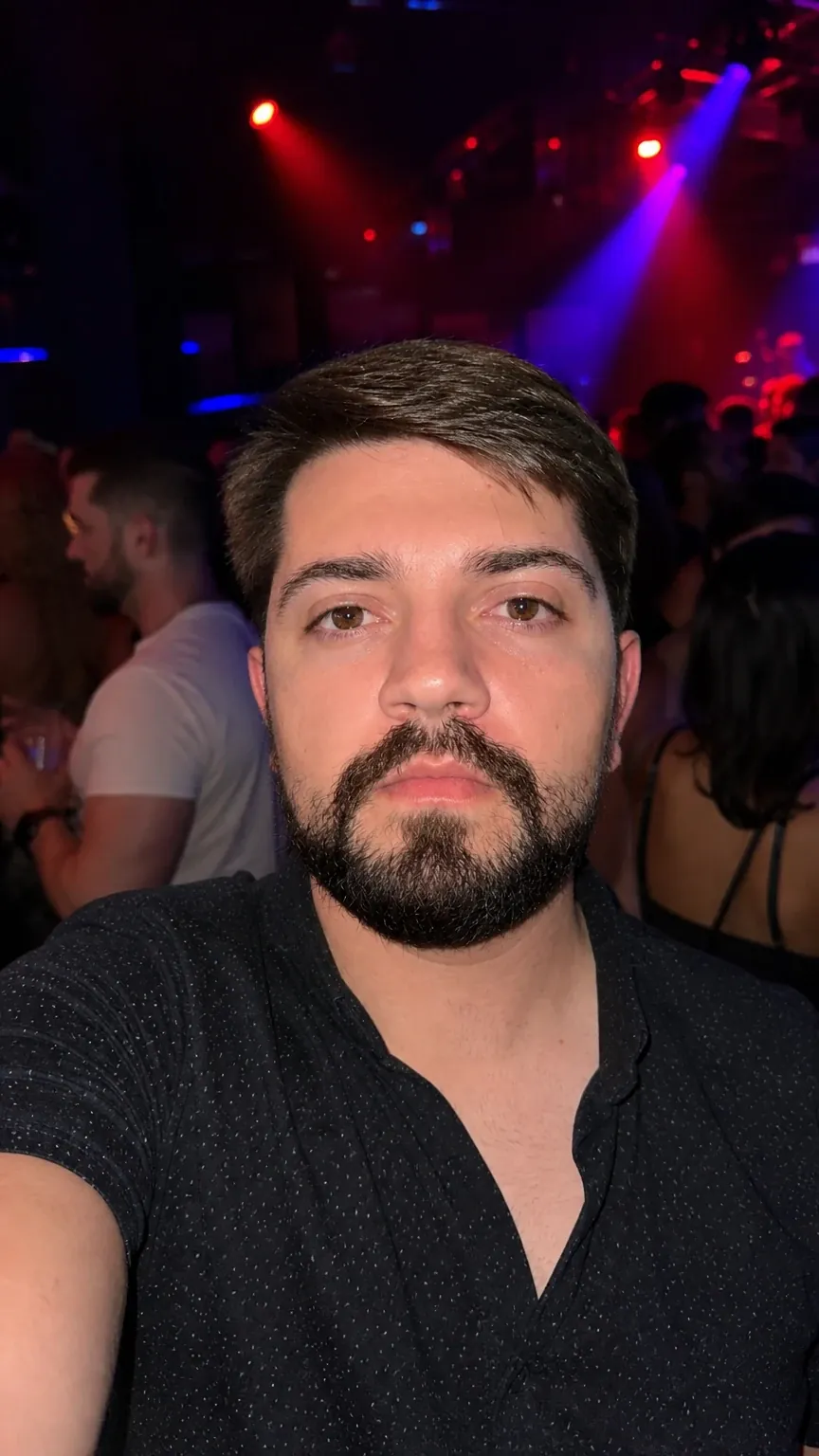
The double is created with your declaration that you are the person pictured or have their authorization. The declaration is recorded with the date and is not an identity verification.
Swap the person
The place, the camera and the moves stay. Only the person changes: in comes your influencer, your Digital Double or a memorable character, with their own face and body.
Generated with AI in Miraggen
The video
Pick an image of your persona as the first frame and describe the motion. Without an image, the video comes from the description alone, without the persona: the image decides who appears.
The voice
Your influencer gets a voice designed from a description. Write a short line, or tap Write with AI, and generate a video of up to about 10 seconds, with her mouth following the voice.
Hey, everyone! I'm Lia! Let me tell you a secret: I don't exist. I was made entirely in Miraggen.
Use motion
Upload a reference video and choose who appears: your influencer or your Digital Double. Miraggen generates a new video in which the persona repeats the moves, in the setting from the persona's own photo.
Setting
In images, attach the photo as a reference and describe how the place should look: Miraggen creates a new image with the same persona in another setting. In videos, Transform changes the setting with an instruction and aims to keep the person and the movements.
In both cases the result is AI generated and can vary. The new image is a creation based on your photo, not a retouch.
Flow
In Flow, everything is a step on a canvas: an image, an audio clip, a description, your persona. You connect one step to another, say what role each connection plays and run it. The result of one step becomes the input of the next.
The Studio
Bring the scenes, the speech and the music onto a timeline, right in the browser. Create and transform without leaving it: generate images, video and voice, make it talk, swap the person in a clip, borrow the motion of another video, change the scene and upscale. Then add titles and captions and export the MP4, ready to post.
For people who create and sell
When content is your living, you're always testing hooks, settings and formats. With your persona ready, every new idea is just a prompt, no set required, and you decide what goes live.
Call sheet
| Generated with AI in Miraggen | Who | What goes in | Format | View |
|---|---|---|---|---|
| Affiliates | Your product in the scene with your persona, using a photo of it as a reference | 9:16 · image | View: Affiliates |
| TikTok Shop and social sellers | The product in square and vertical, plus a short clip with sound | 1:1 and 9:16 · image and video | View: TikTok Shop and social sellers |
| Course creators and digital product sellers | A short line from your persona to introduce the offer | 9:16 · talking video | View: Course creators and digital product sellers |
| UGC creators | More scene options for every deliverable, and your own footage alongside what you generate, in the Studio | 9:16 · image and Studio | View: UGC creators |
For brands and agencies
Create your brand's persona once and cast it in every campaign, with the product, the setting and the format each channel needs. Organize by project and deliver clean files.
Projects
Delivery file
image-7f3a2c91.jpgnew file
Side by side
The difference isn't having one more tool. It's not losing the thread between one step and the next.
| The usual way | In Miraggen | |
|---|---|---|
| The persona | Described all over again in every prompt | Created once and mentioned by her @ in image and video prompts |
| The steps | Image, video, voice and editing in separate places, with downloads and uploads in between | Everything in one place, and the Library keeps what you make for the next step |
| The voice | Made in another service and fitted in later, during the edit | A voice created for the persona, with her mouth following the line |
| The technical choice | A list of models to compare | Three modes: Fast, Core and Max |
| The final cut | Export and finish in another editor | The MP4 comes out of the Studio, in your browser, as a clean download |
Modes and credits
Images and videos come in three modes, and you never pick a model. For images, the cost in credits shows before you generate, and if a generation fails, the credits come back.
Plans
Credits every month, room for your personas and everything ready to make images, videos and voice. On the annual plan you pay less per month.
To start creating with your persona.
Loading the prices
For people who create often.
Loading the prices
For people who produce in volume.
Loading the prices
On every plan
Questions
What Miraggen does, in short answers.
No. You describe what you want in your own words and choose a mode: Fast, Core or Max. Miraggen decides the technical path for each request, so you don't have to compare models.
With every request, Miraggen uses reference photos of her to keep her look. How many go in depends on the mode: Fast carries less reference, so the likeness is lower. Results can vary between creations, and you choose what to keep.
No. The double is created with your declaration that you are the person pictured or have their authorization. The declaration is recorded with the date and the terms version, and it is not an identity verification. The guided capture is there for the double's quality and consistency.
Only with their authorization. At creation, you declare whether you are the person pictured or whether you have the authorization and the rights to use their image, voice and identity, and you are responsible for that declaration. For now, the voice is only created when the double is of yourself, and use of a double can be suspended by moderation.
Yes. On the double's page, the workspace owner or an admin deletes it by typing its name. The photos, videos, voice and declaration are deleted from Miraggen, and this cannot be undone. Only the audit record of what was declared remains. The images and videos you already generated stay in the Library until you delete them.
No. The influencer is always a fictional character, created from scratch. For a real person's likeness, yours or that of someone who authorized you, the way to go is the Digital Double.
You upload a reference video and your persona repeats the moves in a new video, in the setting from the persona's own photo. Miraggen does not swap the person inside the original video. To change the setting, the outfit or the lighting of one of your videos, use Transform.
It's a canvas where each image, audio clip, description or persona is a step. You connect the steps, say what role each connection plays and run it: the result of one step becomes the input of the next.
Clips of 5, 8 or 10 seconds, with sound, vertical, horizontal or square. A talking video runs up to about 10 seconds. For a longer video, you put scenes together in the Studio.
Your influencer gets a voice created from a description: you listen to three options and keep one. Then you write a short line, or tap Write with AI, and generate the talking video with her mouth following the voice.
Not to assemble and export. The Studio brings scenes, speech, music and text together on a timeline and exports the MP4 in your browser. You place on-screen text with the Text tool, choosing from dozens of fonts.
Creations use credits. For images, you see the cost before you generate, and if a generation fails, the credits come back. The Starter, Creator and Pro plans will be billed monthly or annually, and the prices are still being defined.
No. It gives you a new file, with a neutral name and no camera, location or software metadata. When you post, you disclose that the content was made with AI, for example with the platform's own AI label.
The interface is in Portuguese, English, Spanish, French, Italian and German.
Create your persona. Your next scene starts with an @.
The idea you type stays in this tab and opens on your Home page when you sign in.
Already have an account? Sign in